234
Group Time Zone (Period) Settings
IMPORTANT - ALWAYS Create Time Zones (Periods)
FIRST
Individual Users can be assigned to Groups. This saves time since
Group Access Rights only need to be programmed ONCE. Then, as users
are added to the F707/708, all you need do is assign them to his/her
respective Groups. It then becomes unnecessary to program individual
Access Rights when enrolling new users.
How to create Groups:
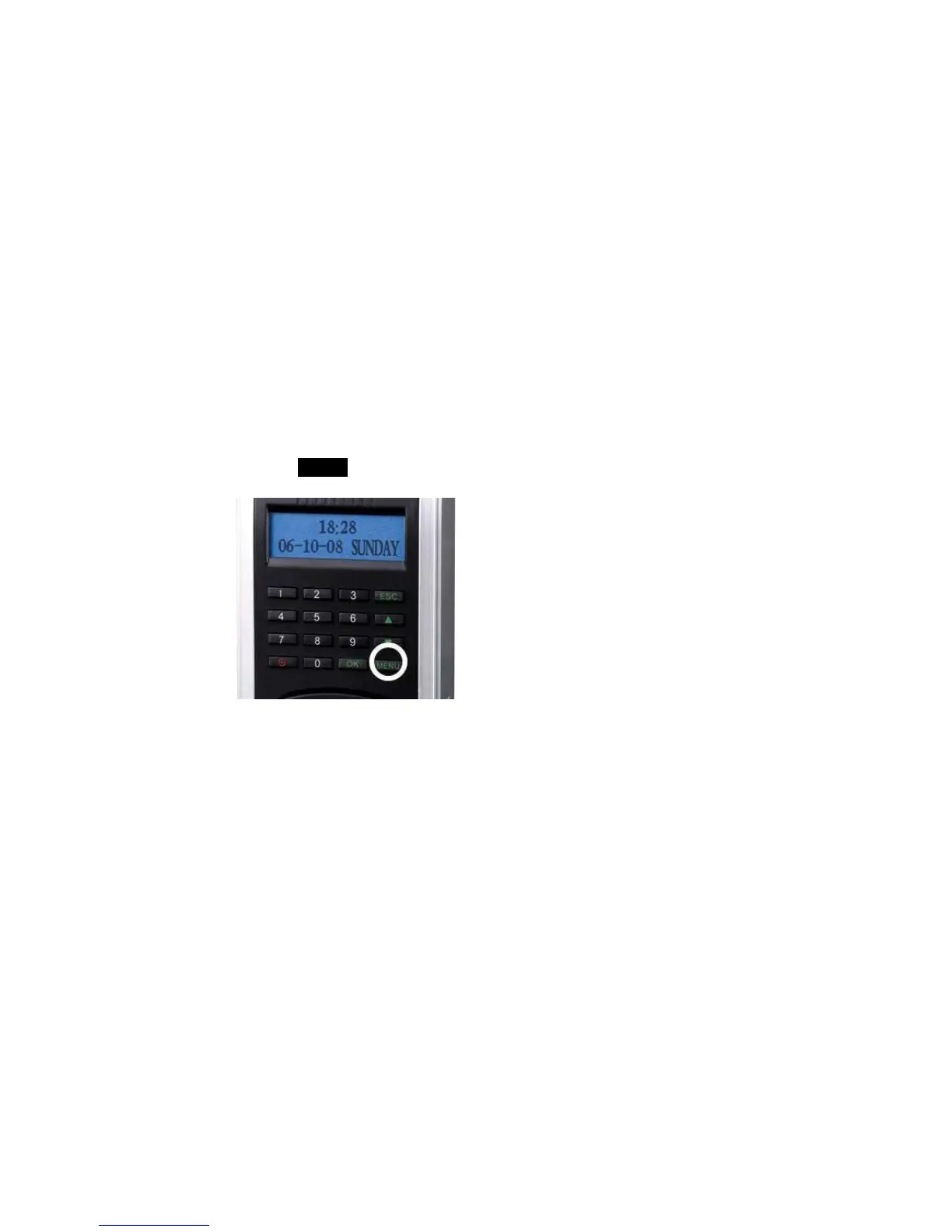
Press the MENU key on the F707/708.



 To Next Page