259
Duress Options
The F707/708 provides users a Duress (“manual alarm”) button.
If a user has registered a “duress finger,” a manual alarm can be triggered
when the F707/708 recognizes the “duress” finger.
Any user can have a Duress finger registered.
Note that the Duress finger does not open the door. It only sends an
alarm signal.
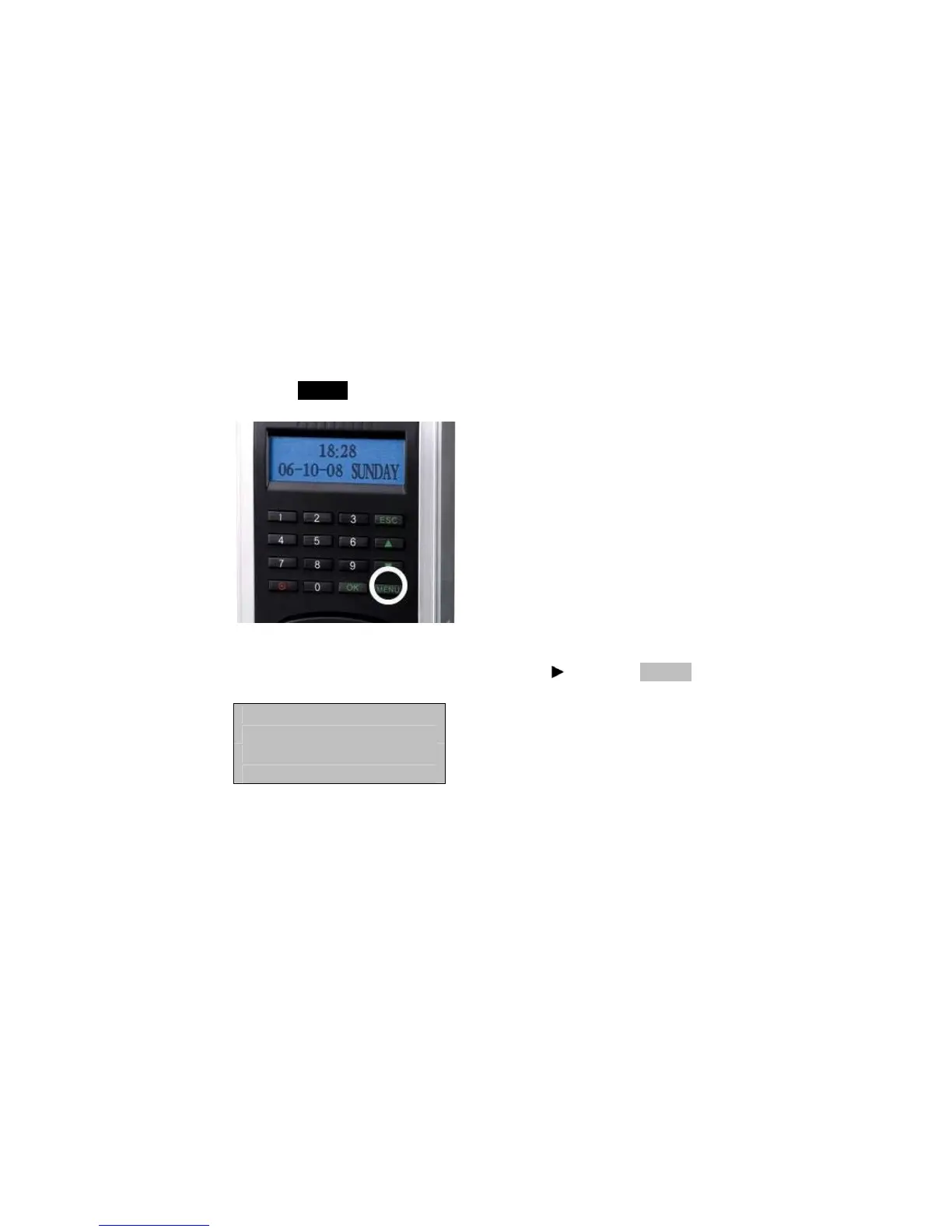
Press the MENU key on the F707/708.
Scroll with the ▲/▼ keys and place the cursor ( ) alongside Options.
Menu ▼
User Manage
► Options



 To Next Page