106
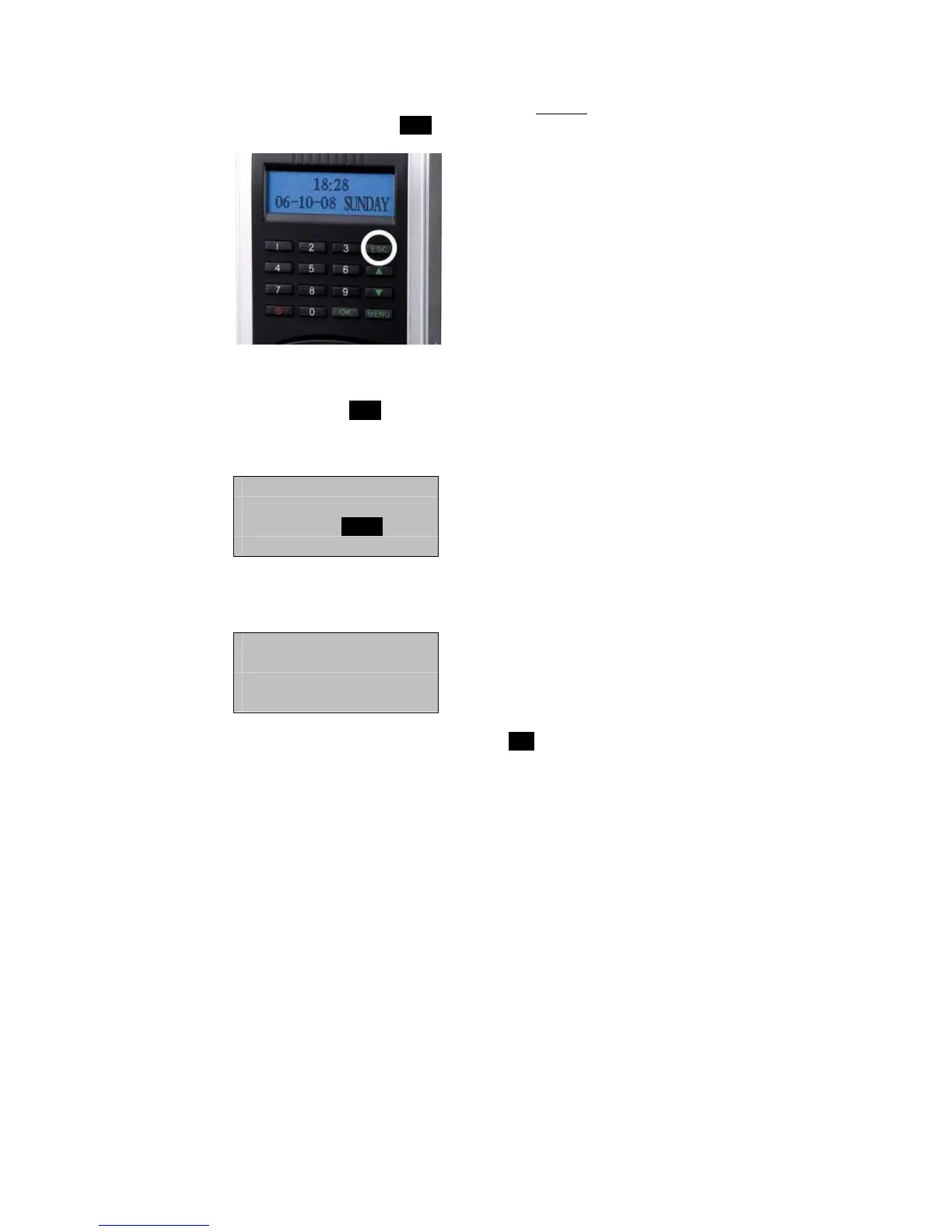
If you are adding/changing a password for an existing Admin on the
F707/708, then press the ESC key.
Note:
If you press ESC, the F707/708 will prompt you for the existing
Admin’s ID number;
Chg Password
UserID 00001
ESC OK
In this first example we’ll assume we’re enrolling a password for a NEW
Admin.
Enroll FP
New Enroll?
ESC OK
Since we are enrolling a New User, press OK.



 To Next Page