113
FP & Pwd
New Enroll?
ESC OK
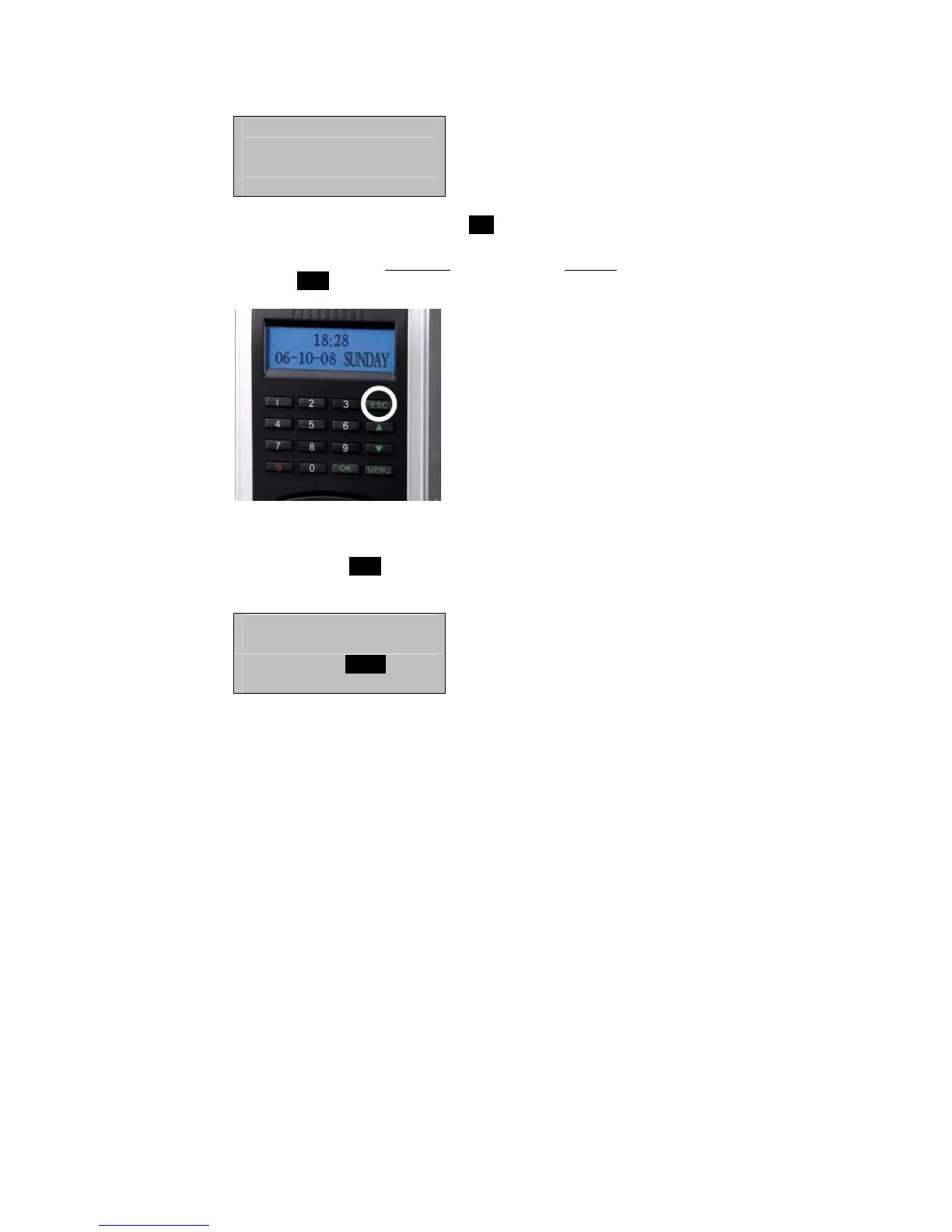
If this is a NEW Admin, then press OK
If you are enrolling an additional
fingerprint to an existing Admin, then
press the ESC key.
Note:
If you press ESC, the F707/708 will prompt you for the existing
User’s ID number;
Backup Enroll
UserID 00001
ESC OK
Note:
The F707/708 allows you to add up to 9 “backup” fingers for any of
the users.



 To Next Page