121
Deleting Users
Note:
You can delete fingerprints, passwords or an entire user.
Deleting old/unused fingerprint templates makes room for new
fingerprint templates.
Deleting may be necessary when
:
• A user’s fingerprint is no longer recognized (possibly caused by
injury) or his/her password has been forgotten.
• The user is no longer employed and his/her
fingerprint(s)/password and user information need to be deleted
from the S900 for security purposes
.
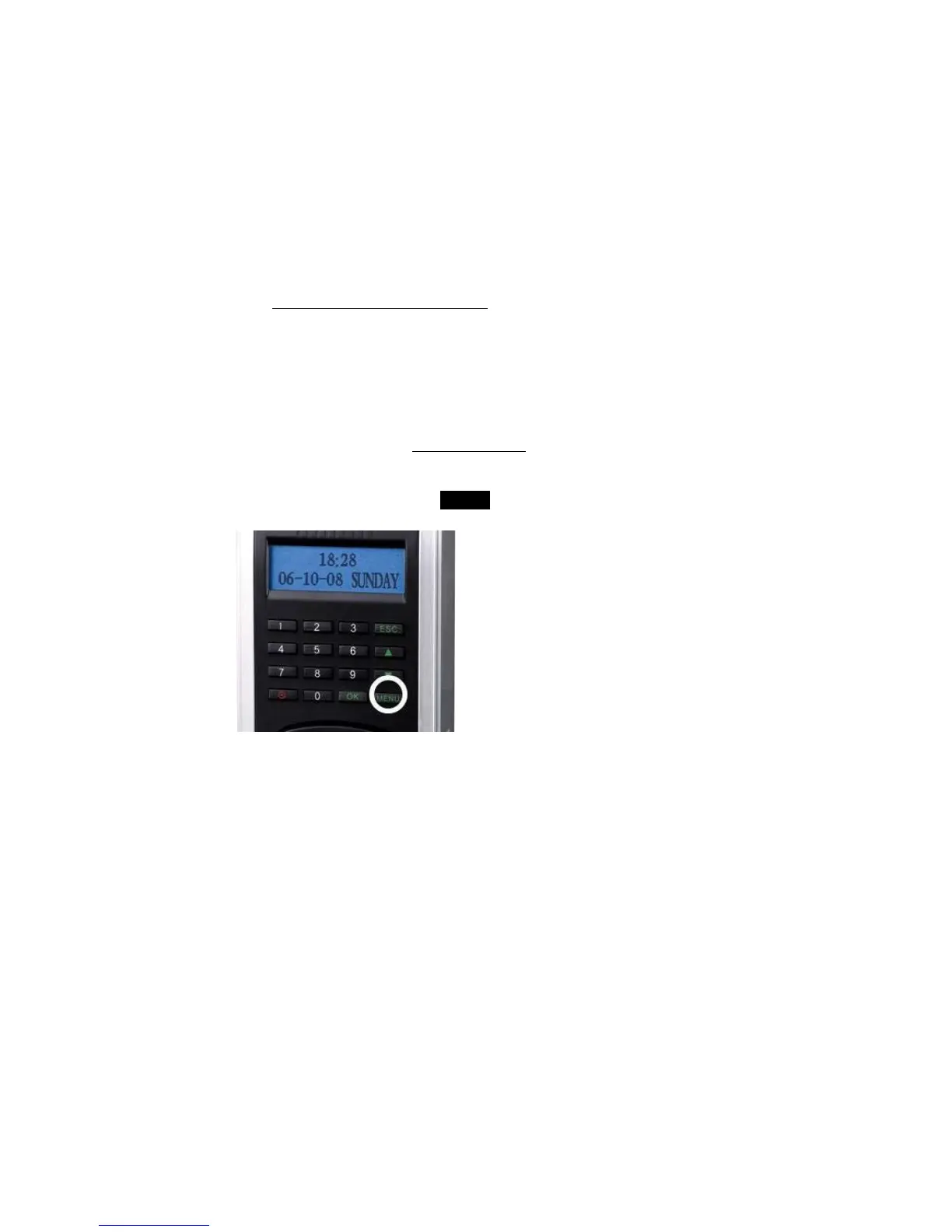
To perform Deletion, press the MENU key on the F707/708.



 To Next Page