53
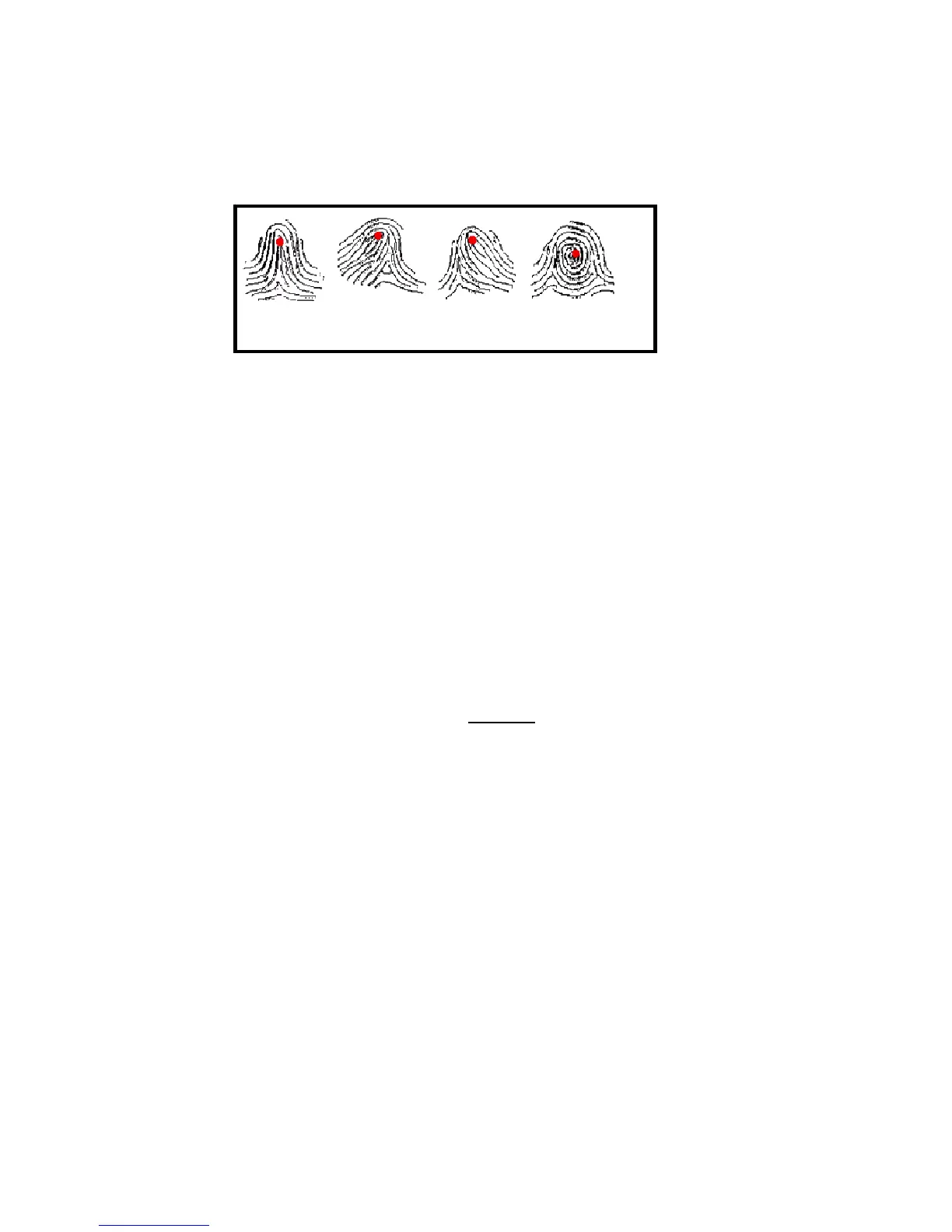
Figure A-1 shows the positions of core points within fingerprints. The
core points are represented by the red dots in the figure below (note: if this
manual is printed in black and white you’ll only see a thick dot near the
upper ridges in the figure below):
Figure A-1
A core point is defined as the topmost point on the innermost upward
recurring ridge line.
A user is considered “enrolled” in the F707/708 after his/her fingerprint(s)
or password has been successfully registered in the database of the
F707/708.
During the enrollment process, when the user places his/her finger(s) on
the F707/708 fingerprint sensor, the F707/708 takes a picture of that user’s
finger’s key minutiae points. The F707/708 then uses its proprietary
mathematical algorithm and converts that picture into a unique
mathematical template which is comparable to a 60-digit password. This
unique template is then encrypted and stored in the F707/708 database.
IMPORTANT NOTE
Privacy issues should never become a concern when using the F707/708,
since
NO REAL IMAGE OF A USER’S FINGERPRINT IS ACTUALLY STORED.
Instead, ONLY the minutiae-based templates
are actually stored.
Each time a user’s fingerprint is scanned, the F707/708 searches its
database for a matching fingerprint. If the F707/708 finds a user’s
matching fingerprint, then his/her “attendance/door access” is recorded in
the F707/708 “audit log” and will be noted in subsequent reports.



 To Next Page