FaceDepot-7BL
User Manual
Page | 71 Copyright©2020 ZKTECO CO., LTD. All rights reserved.
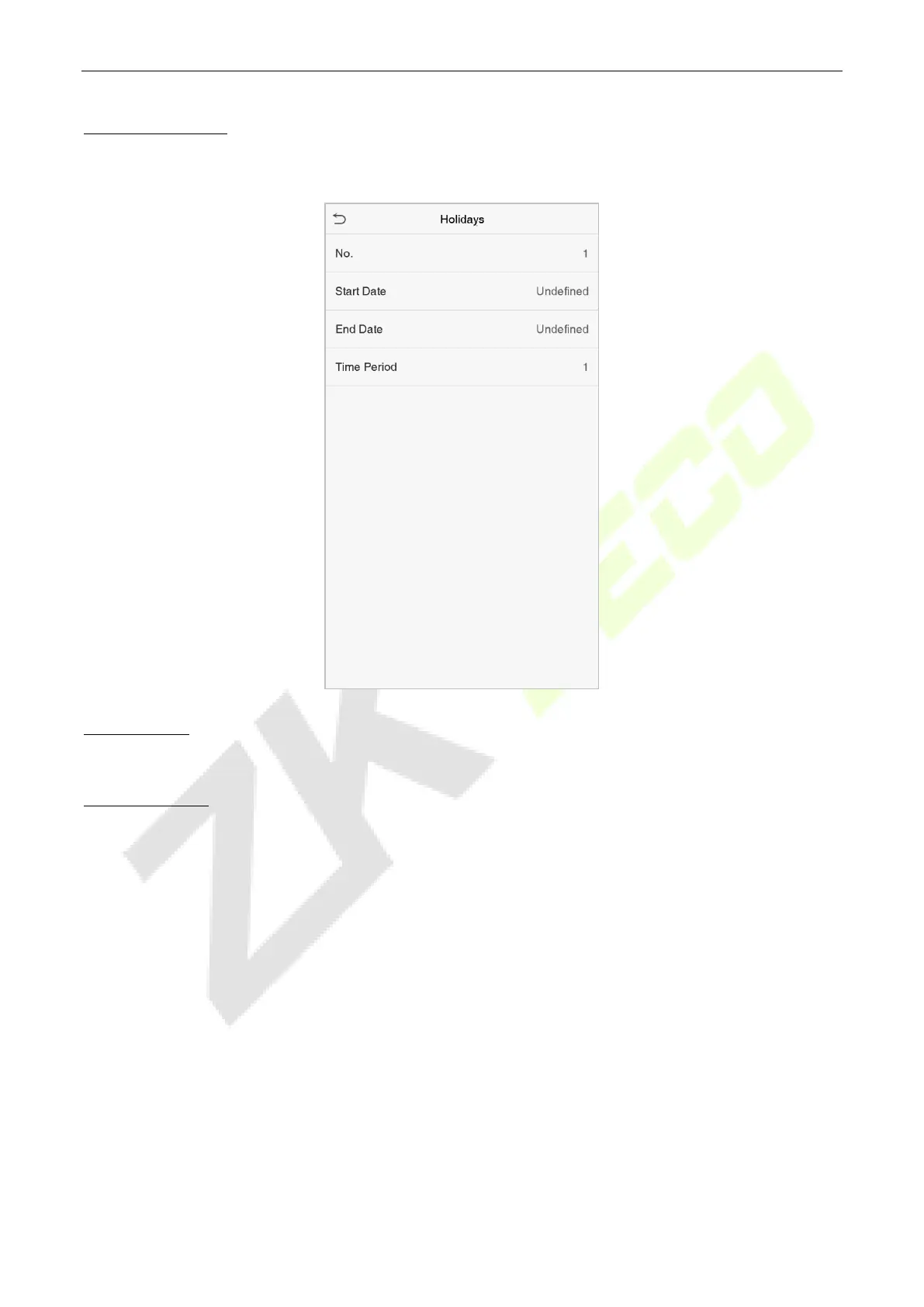
Add a New Holiday
Click Add Holiday on the Holidays interface and set the holiday parameters.
Edit a Holiday
On the Holiday interface, select a holiday to be modified. Click Edit to modify the holiday parameters.
Delete a Holiday
On the Holidays interface, select a holiday to be deleted and click Delete. Click OK to confirm the deletion.
After deletion, this holiday is no longer displayed on All Holidays interface.
Access Groups 9.4
The Access Groups easily manage the users in different access groups. The Access Group settings such as
access time zones are applicable to all the members in the group by default. However, users may manually
set the time zones as needed. User authentication takes precedence over group authentication when the
group authentication modes overlap with the individual authentication methods. Each group can set a
maximum of three time zones. By default, newly enrolled users are assigned to Access Group 1; they can
also be assigned to other access groups.


 To Next Page