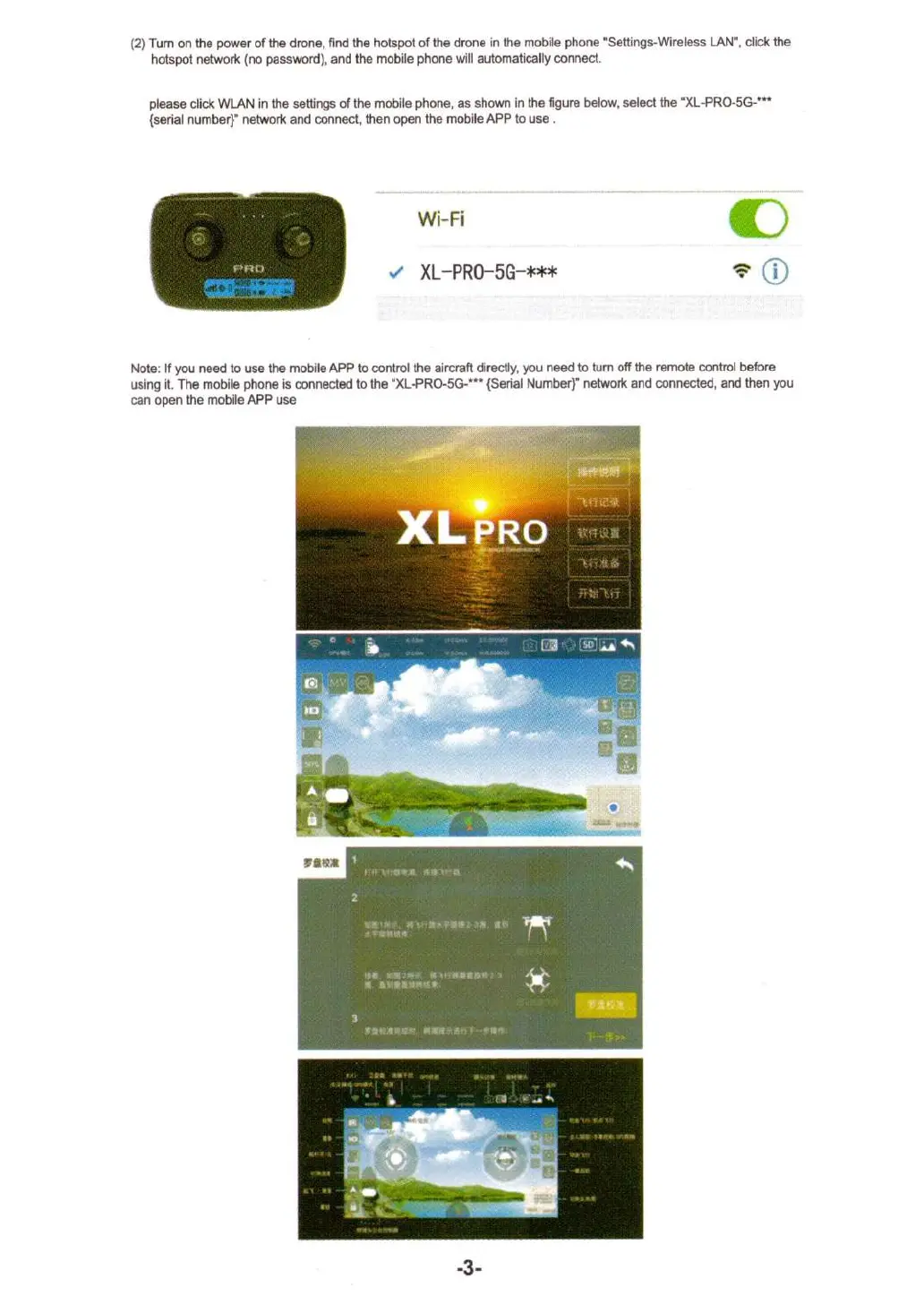
(2) Turn on the power of the drone, find the hotspot of the drone in the mobile phone "Settings-Wireless LAN", click the
hotspot network (no password), and the mobile phone will automatically connect.
please click WLAN in the settings of the mobile phone, as shown in the figure below, select the "XL-PRO-5G-***
(serial number)" network and connect, then open the mobile APP to use .
Wi-Fi
XL-PRO-5G-***
Note: If you need to use the mobile APP to control the aircraft directly, you need to turn off the remote control before
using it. The mobile phone is connected to the "XL-PRO-5G-"' (Serial Number)" network and connected, and then you
can open the mobile APP use
-3-


 To Next Page