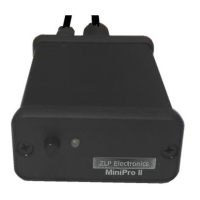
DigiMaster DataLink Interface.
Simple 3 step setup procedure
[1] Configure DM780 to use the new soundcard.
[2] Configure DM780 to allow the soundcard to activate the radios PTT.
[3] Configure Windows volume controls for optimum performance.
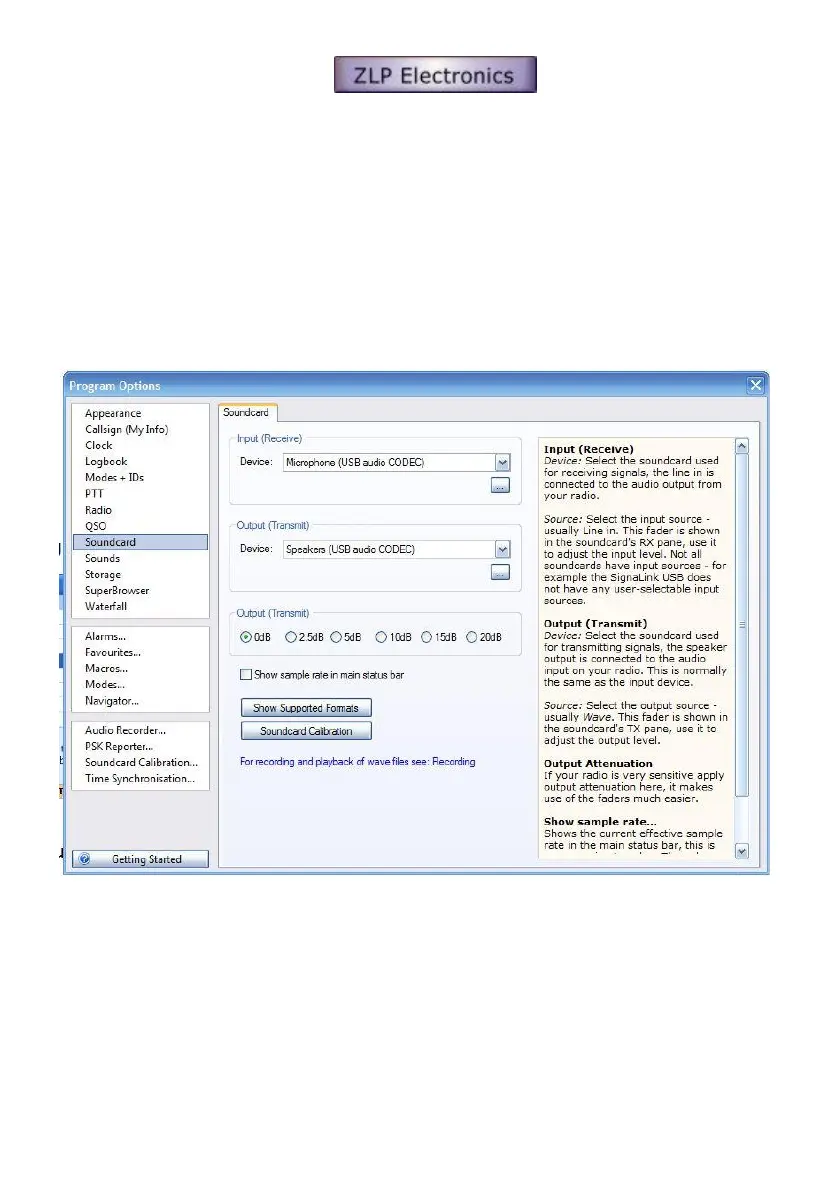
[1] Configure DM780 to use the USB audio CODEC (soundcard in the DataLink interface).
Open DM780’s program option window (F8).
In the soundcard section, select;-
[1] Microphone “USB audio CODEC”.
[2] Speakers “USB audio CODEC”.



 To Next Page