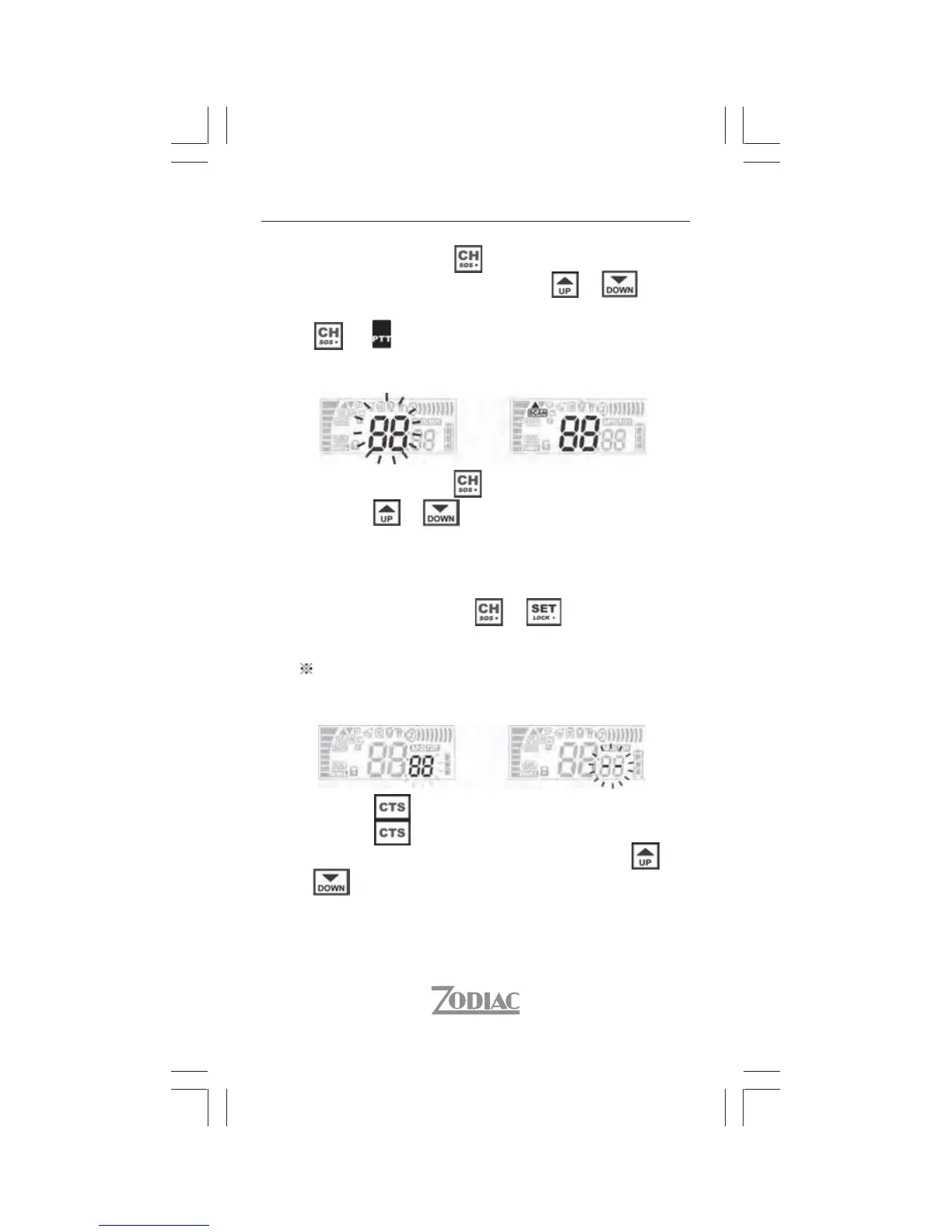
Momentarily press . While channel icon blinks,
temporarily press repeatedly on or to
select channel. To preset channel, temporarily press
or .
7
5. Scan Channel
Momentarily press . While channel icon blinks,
hold on or about 2 sec. to start scanning
of channel. Jumping of channel numbers
increasingly or decreasingly indicates scan in
progress. Scan stops when it detect a busy channel.
Temporarily press on or will disable scan
and select the final busy channel.
Note: To scan, turn off CTCSS codes.
6. CTCSS ON/OFF
FFONO
Hold on for about 2 sec. to enable CTCSS.
Hold on again for about 2 sec. to disable.
While CTCSS is enabled, press temporarily or
repeatedly to select CTCSS.
Zodiac Freetalk ProhsilgnE


 To Next Page