11
NOTE: If you can’t see the web management interface, and you’re being
prompted to input user name and password again, it means you didn”t input
username and password correctly. Please retype user name and password
again. If you’re certain about the user name and password you type are
correct, please go to “4-2 Troubleshooting” to perform a factory reset, to set
the password back to default value.
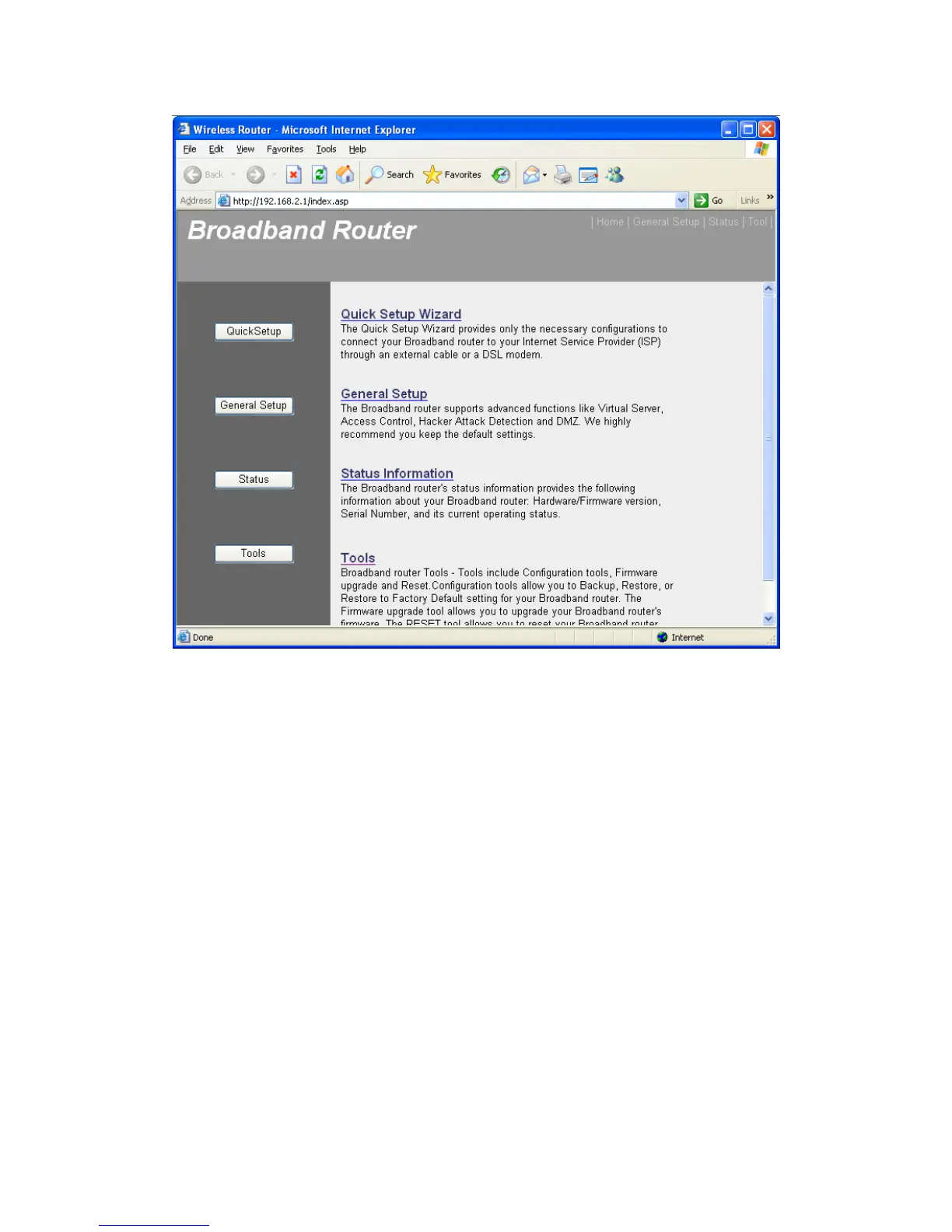
TIP: This page shows the four major setting categories: QuickSetup,
General Setup, Status, and Tools. You can find the shortcut which leads to
these setting categories at the upper-right corner of every page, and you
can jump to another category directly by clicking the link, and don’t have to
go back to the first page.
2-3. Using “Quick Setup”
This router provides a “Quick Setup” procedure, which will help you to



 To Next Page