12
complete all required settings you need to access the Internet in very short
time. Please follow the following instructions to complete the “Quick Setup”:
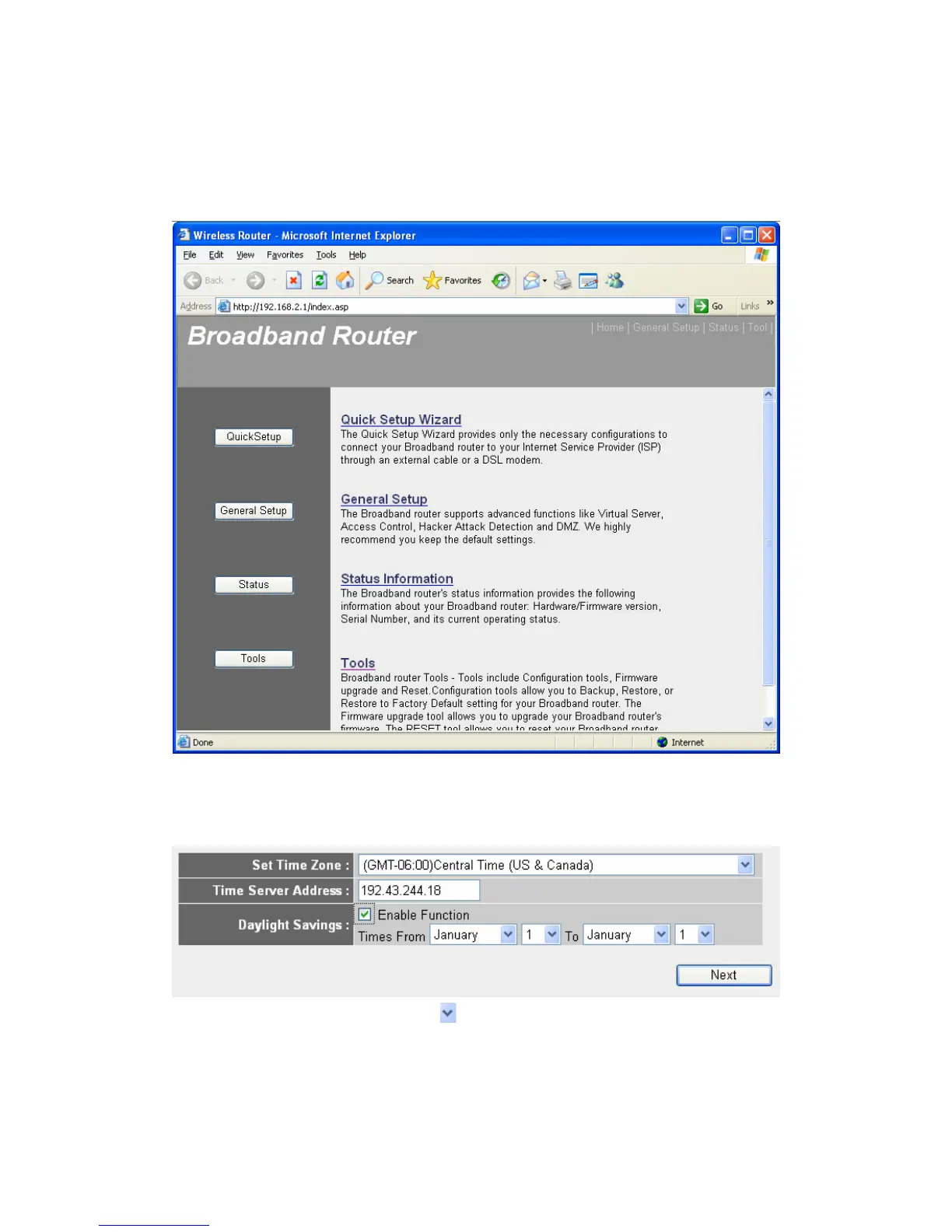
Please go to QuickSetup menu by clicking “QuickSetup” button.
And the following message will be displayed:
1. Set Time Zone
Set Time Zone:Please press button, a drop-down list will be shown,
and you can choose a time zone of the location you live.
Time Server Address: Input the IP address / host name of time server
here



 To Next Page