20
your Internet service provider here.
MTU: Please input the MTU value of your network connection here. If
you don’t know, you can use default value.
Connection Type: Please select the connection type of Internet
connection you wish to use, please refer to last section for detailed
descriptions.
Idle Time Out: Please input the idle time out of Internet connection you
wish to use, and refer to last section for detailed descriptions.
When you finish with all settings, please click “OK”. If you want to go back to
previous menu, click “Back”.
2-3-6. Setup procedure for “Telstra Big Pond”
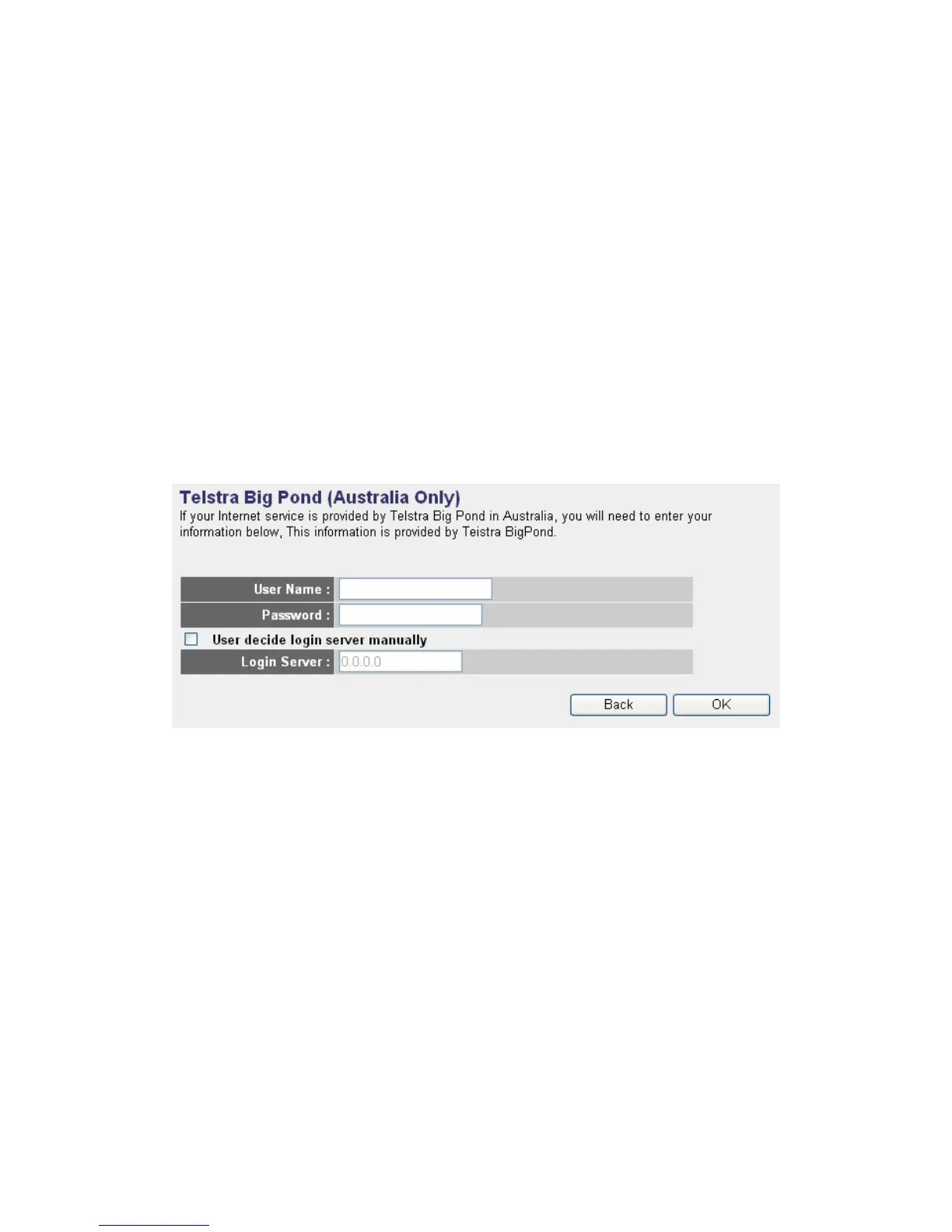
This setting only works when you’re using Telstra big pond’s network service
in Australia. You need to input:
User Name: Please input the user name assigned by Telstra.
Password: Please input the password assigned by Telstra.
User device login server manually: Check this box to choose login by
yourself.
Login Server: Please input the IP address of login server here.
When you finish with all settings, click “OK”; if you want to go back to
previous menu, click “Back”.
When all settings are finished, you’ll see the following message displayed on
your web browser: Please click “Apply” button to prepare to restart the



 To Next Page