21
router, and you’ll see a message. Please wait for about 30 seconds, then
click “OK!” button. You’ll be back to router management interface again, and
the router is ready with new settings.
2-4. Basic Setup
In this chapter, you’ll know how to change the time zone, password, and
remote management settings. Please start your web browser and log onto
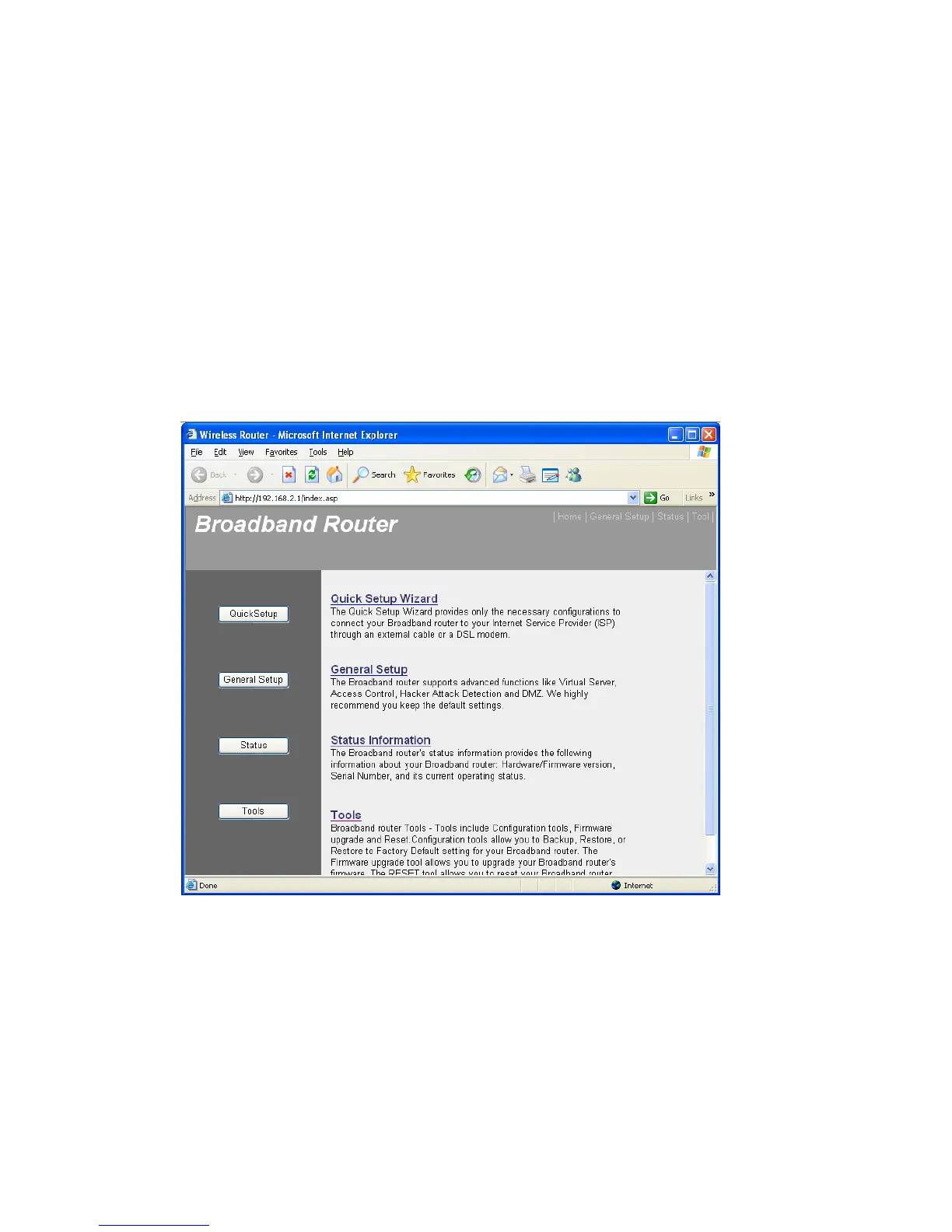
router web management interface, then click “General Setup” button on the
left, or click “General Setup” link at the upper-right corner of web
management interface.
2-4-1. Time zone and time auto-synchronization
Please follow the following instructions to set time zone and time
auto-synchronization parameters:
Please click “System” menu on the left of web management interface, then
click “Time Zone”, and the following message will be displayed on your web



 To Next Page