140
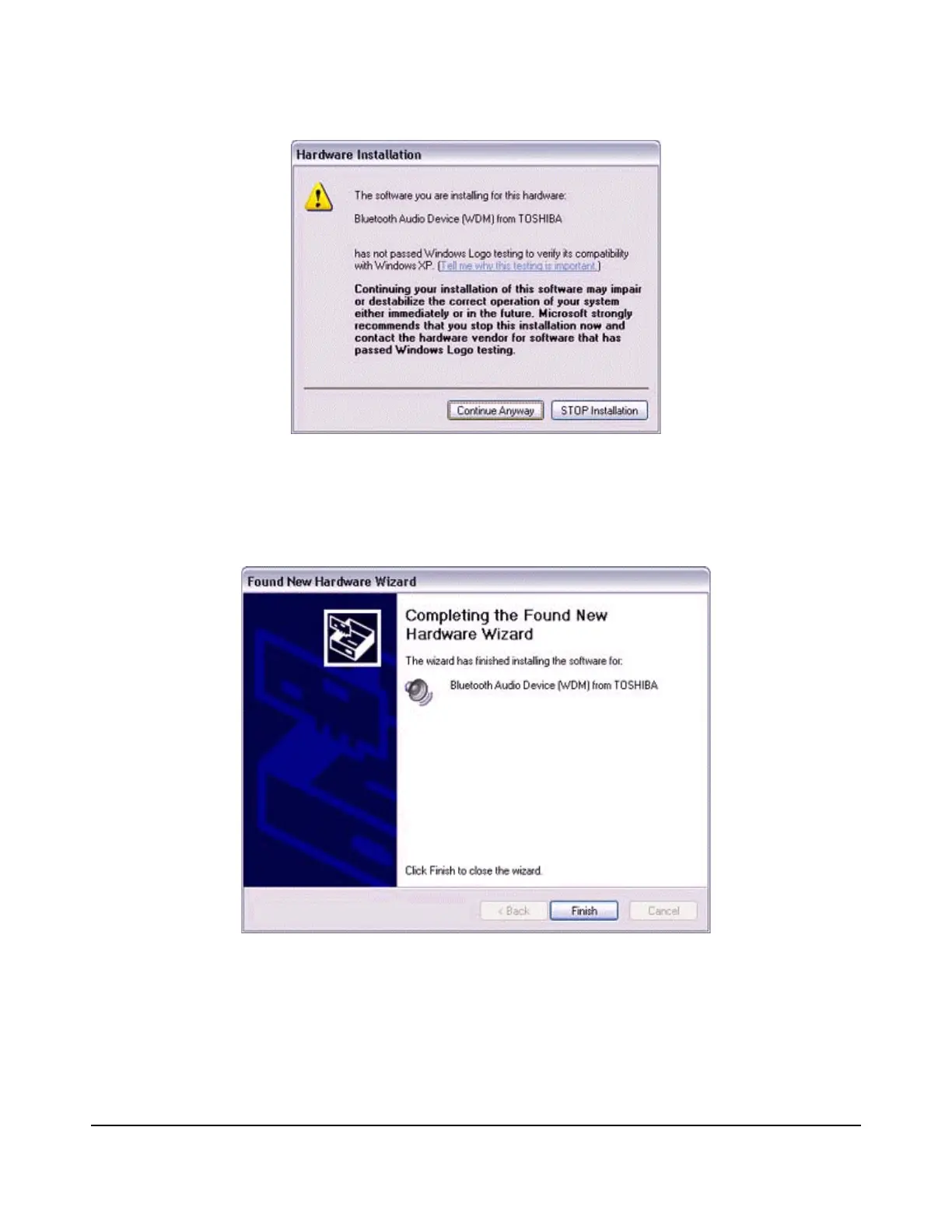
The [Add New Connection Wizard (Completing the Found New Hardware Wizard)]
screen, which is the final screen of the installation wizard, will appear.
8.
Click on the [Finish] button.
Once driver installation is complete, the [Add New Connection Wizard (Enter Connection
Name)] will appear.
9.
Confirm the information you have entered, and click on the [Next] button.



 To Next Page