141
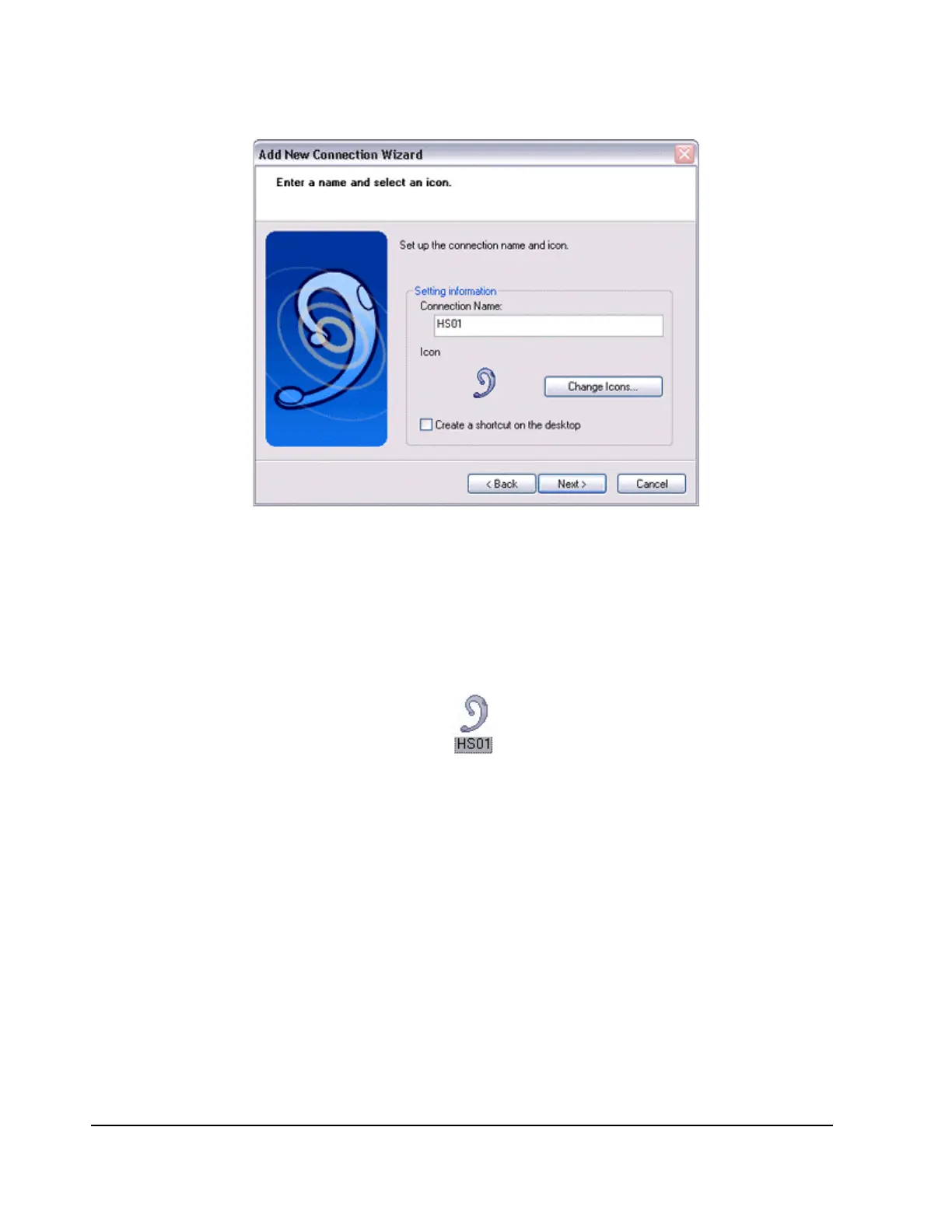
The [Add New Connection Wizard (Completing the Add New Connection Wizard)]
screen will appear.
10.
Click on the [Finish] button.
The configuration information will be registered, and an icon will be displayed in the
[Bluetooth Settings] screen.
Making a connecting to the headset
You can make a connection to the headset from an icon that has been registered in
[Bluetooth Settings].
Important
Before making a connection to the headset, please check that you have turned on the
headset's power, and it has been enabled for a Bluetooth connection. Please ensure
that the following audio-related applications have been closed before you connect the
headset to your PC.
o
Windows Media Player, BeatJam, InterVideo WinDVD and other music/audio
playback software
o
Windows Messenger and other e-conferencing software



 To Next Page