143
You may now launch conferencing and voice-recognition software and use the headset.
Disconnecting from the headset
Please follow the steps below to disconnect from the headset.
1.
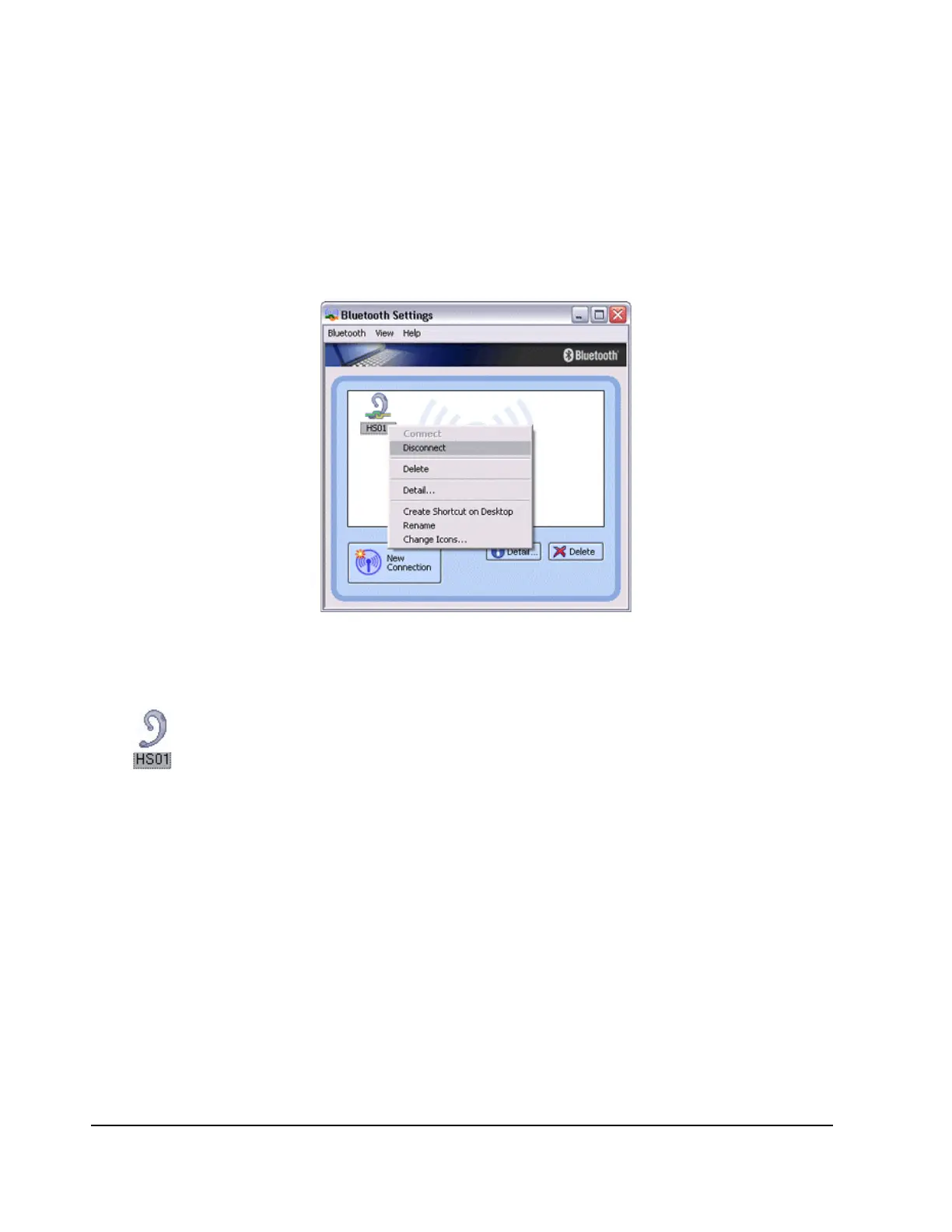
Right-click on the headset icon in the [Bluetooth Settings] screen, then click on
[Disconnect].
A message will appear, requesting confirmation that you wish to disconnect. Click on the
[Yes] button. The icon on the [Bluetooth Settings] screen will appear as shown below,
indicating that the device has been disconnected.



 To Next Page