58
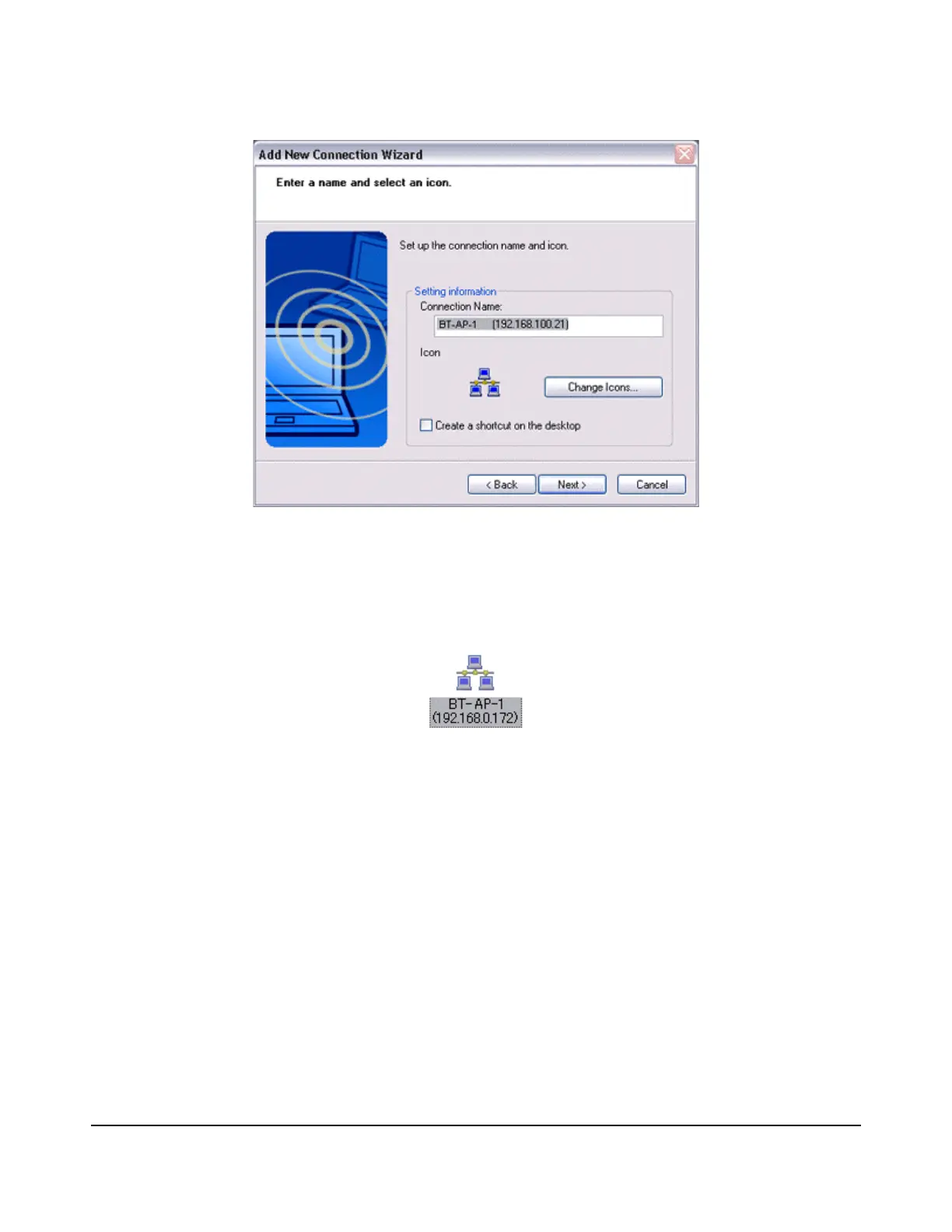
The [Add New Connection Wizard (Completing the Add New Connection Wizard)]
window will appear.
7.
Click on the [Finish] button.
The access point icon will be registered in the [Bluetooth Settings] window.
This will complete the access point set-up process.
Connecting to a LAN(PAN)
1.
Right-click on the connection icon in the [Bluetooth Settings] window, and then
click on [Connect].



 To Next Page