84
Important
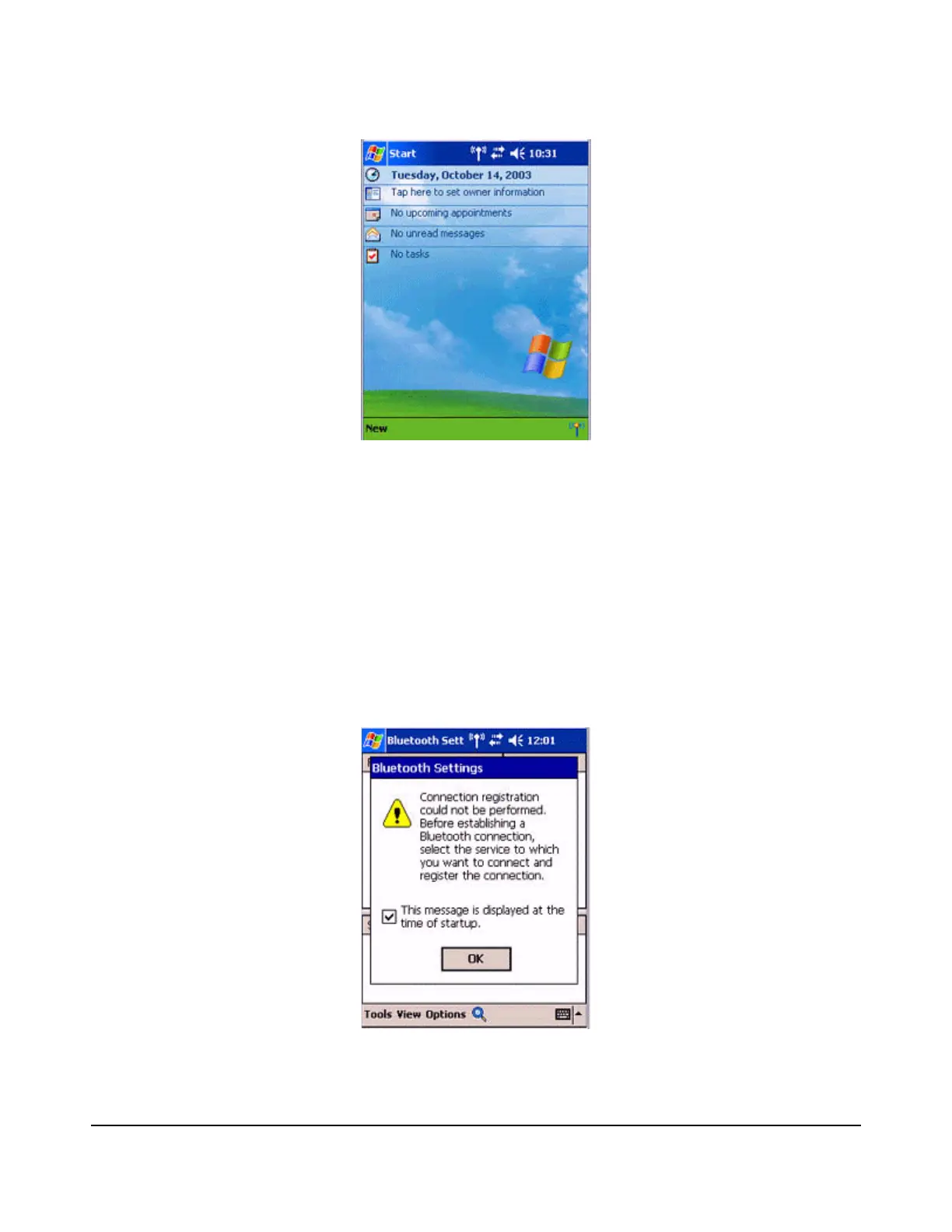
The graphic above shows an example of a PDA operating window.
The connection procedure may be different depending on the manufacturer or
model of PDA you use. Please refer to the product instruction manuals for further
details.
The [Bluetooth Settings] window will open.
The message "Connection not registered" will appear if no Bluetooth device has been
registered.
Please tap on [OK] to close the message.



 To Next Page