85
2.
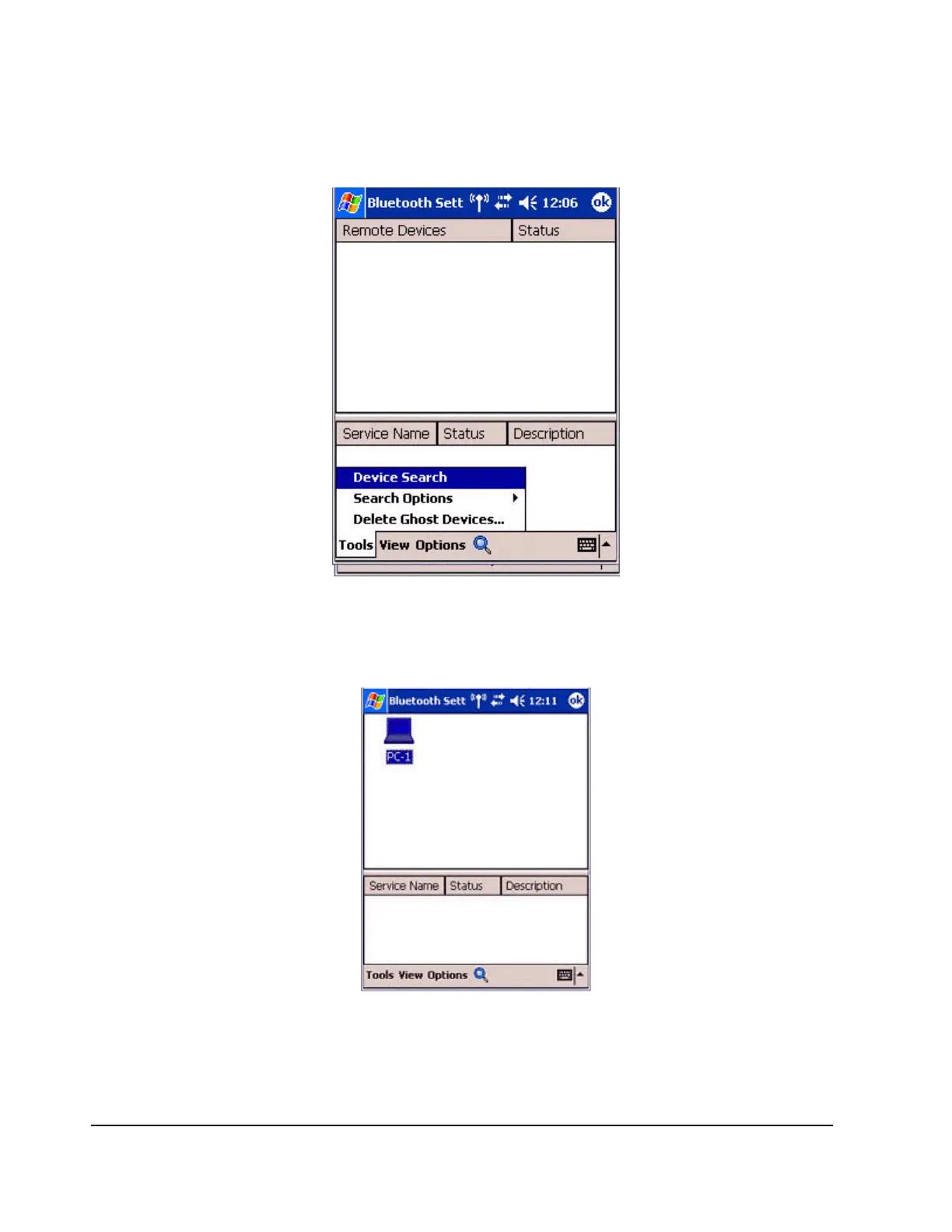
Double click on [Tools]![Search for peripheral components].
The application searches for nearby Bluetooth devices.
3.
Tap and hold on the destination PC icon, and then select [Update Services].
A search for services will be carried out, and then a list of service names and their
connection status will appear as list in the lower window.



 To Next Page