87
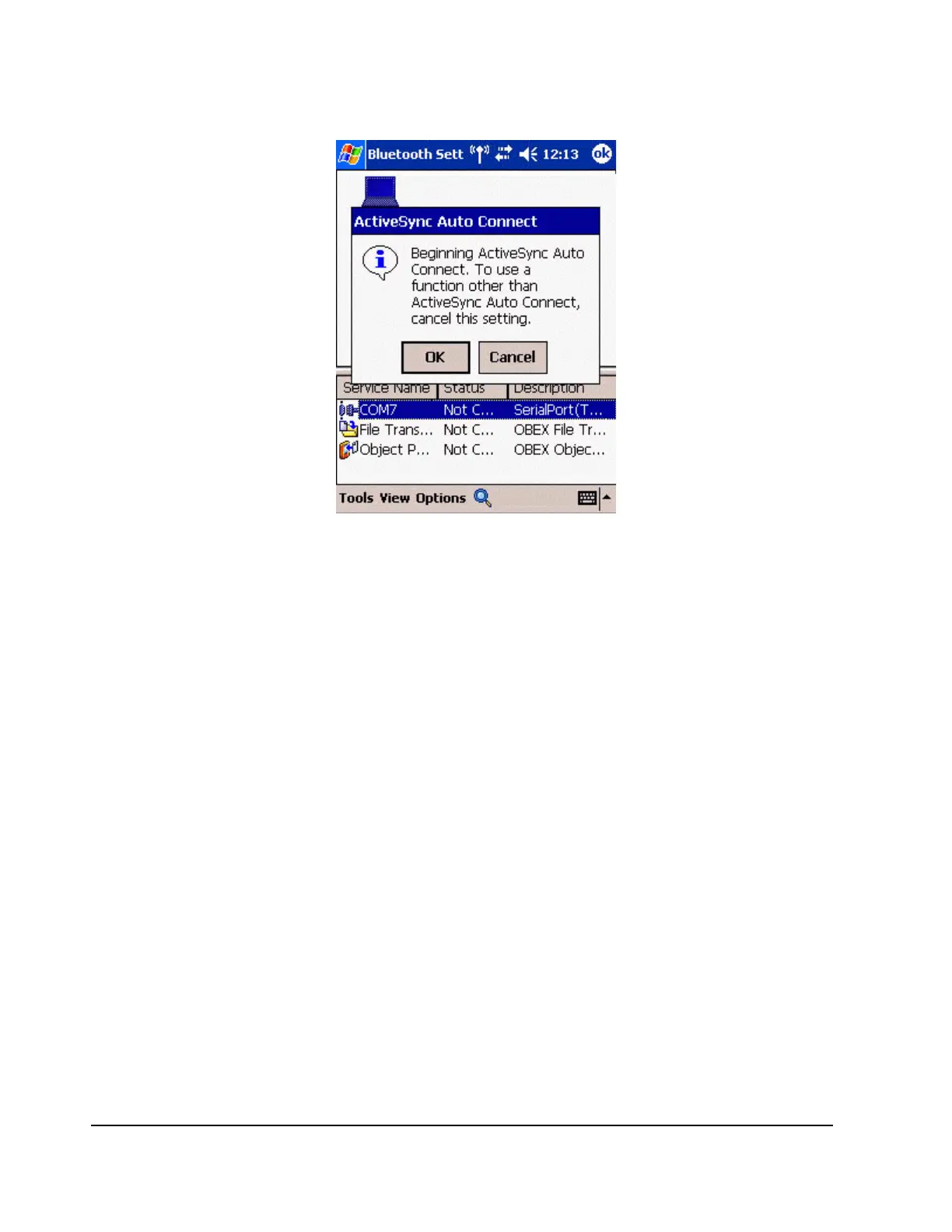
An ActiveSync connection will be initiated.
Establishing a partnership between ActiveSync and a PDA
Once a connection has been successfully established with a PDA, the procedure for
establishing a partnership with the PDA will be started by the ActiveSync application on the
PC.
Performing this set-up procedure will enable data to be synchronised between your PC and
PDA.
1.
In the [New Partnership (Set Up a Partnership)] window, select "Standard
partnership", and then click on the [Next] button.



 To Next Page