88
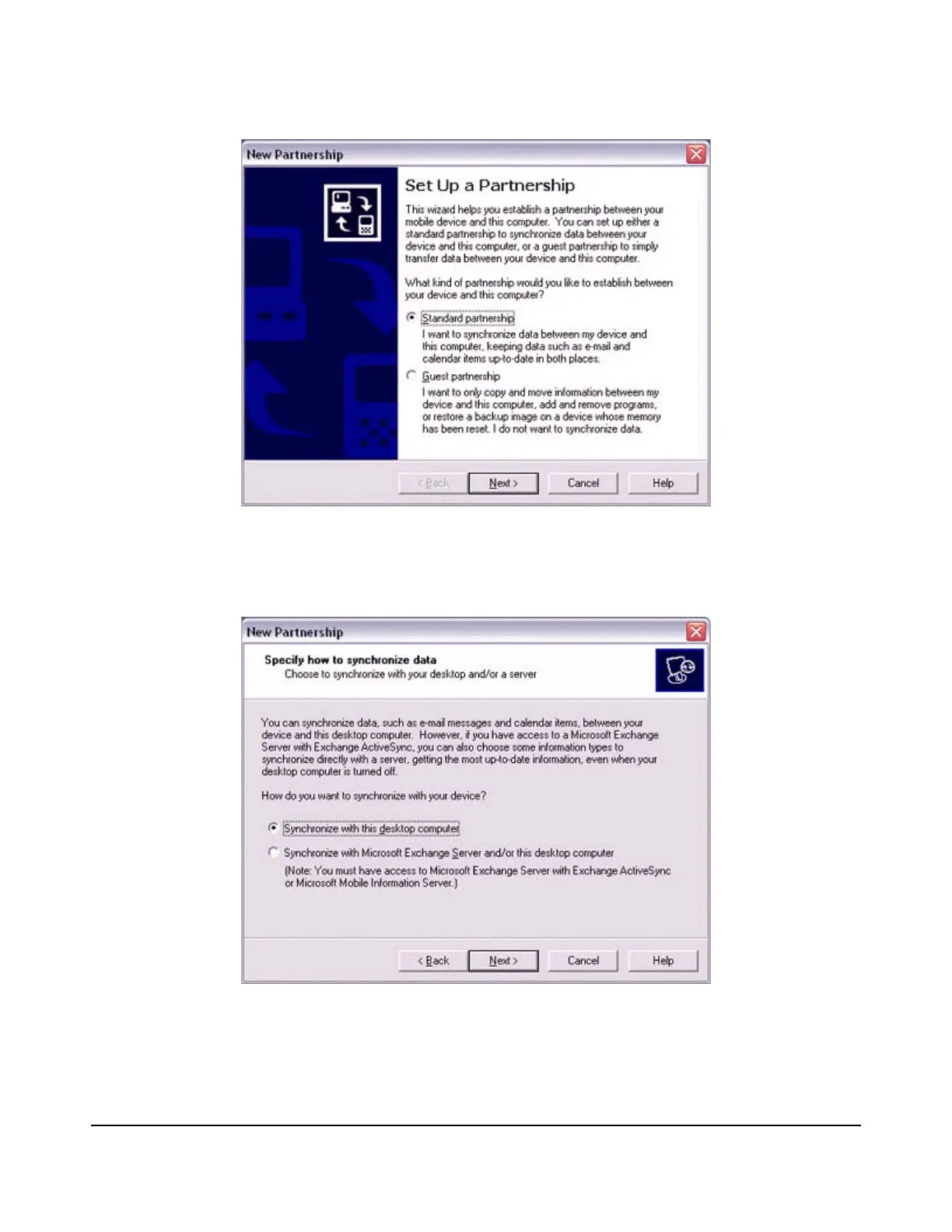
The [New Partnership (Specify Data Synchronisation Method)] window will appear.
2.
Select "Synchronise with this PC", and then click on the [Next] button.
The [New Partnership (Select Synchronisation Settings)] window will appear.
3.
Select the type of information to be synchronised between your PC and PDA,
and then click on the [Next] button.



 To Next Page