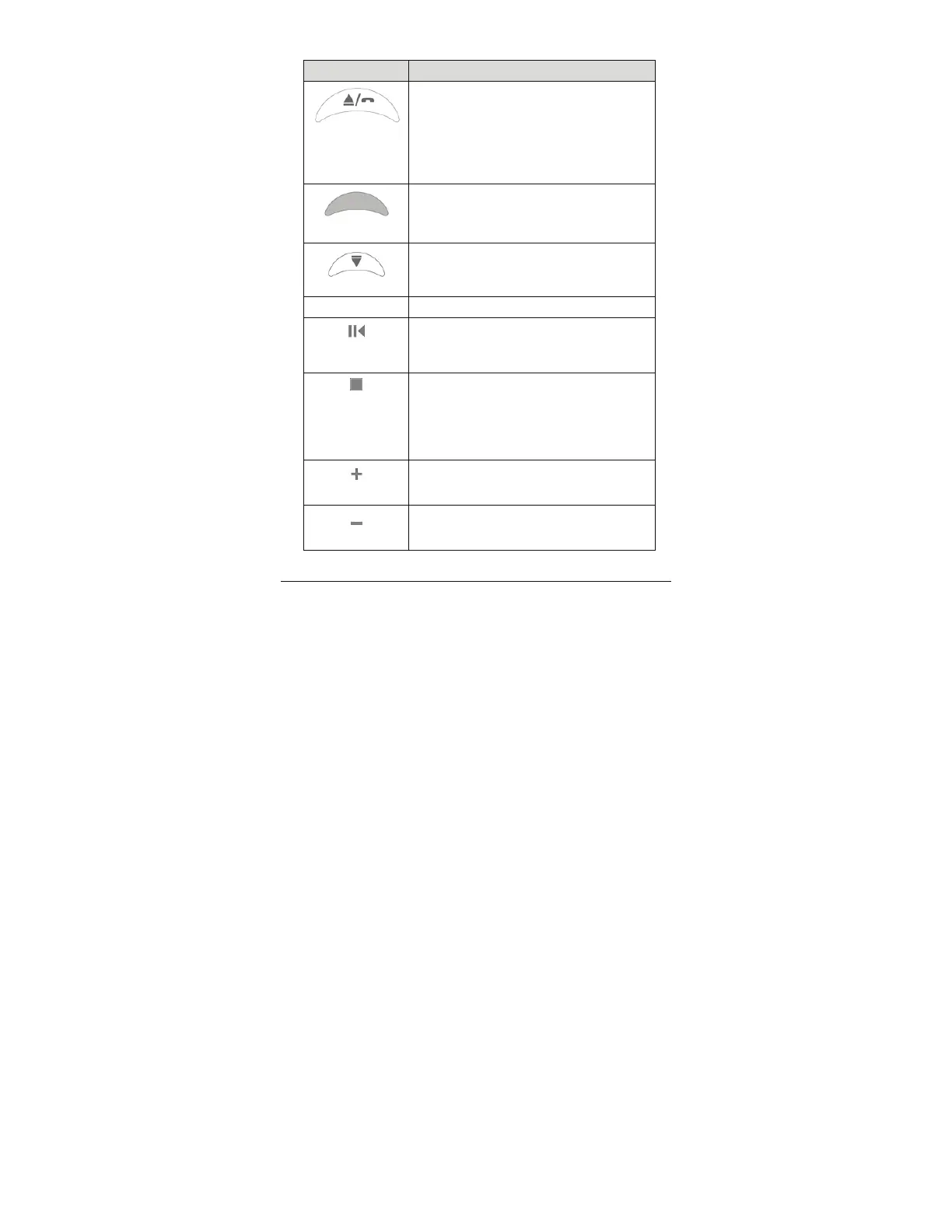
Button Function
Forward
Or
Answer/end
phone call
Plays the next song. To skip forward two
songs, press twice; to skip forward three,
press three times, etc.
Lets you answer/end a phone call.
In Idle state, hold down 2 seconds to
redial the most-recently dialed number.
Pairing LED
Flashes red and blue while pairing (see
page
5 for more information).
Back
Plays previous song. To skip back two
songs, press twice; to skip back three,
press three times, etc.
Microphone
Flips down for phone conversations.
Play/ Pause
Toggles music on and off.
During a phone call, mutes/unmutes the
microphone.
Stop
Ends music.
To power off, hold for 4 seconds.
To power back on and initiate pairing,
hold for 4 seconds.
Rejects an incoming phone call.
Volume up
Increases volume. System beeps at
maximum.
Volume down
Decreases volume. System beeps at
minimum.
13



 To Next Page