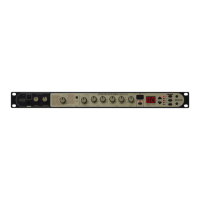
Switch to the Audio menu
Adjust the level so that the center area dots light up
when you play the instrument.
The [REC] key flashes and track 1 is in the recording
standby condition. In this mode, the dots at the bottom
of the display serve to indicate the recording level.
The higher the input signal level, the more the lit dots
move towards the right.
Press the [REC] key.
While playing your instrument, use slider 1 to
adjust the recording level.
Use the cursor [ ]/[ ] keys to cause the
AUDIO menu LED to light up.
Set PS-02 to recording standby
Adjust recording level
Level meter
Center point indicates appropriate recording level.
14
Quick Guide (3)
Recording an Audio Track
Quick Guide (3) Recording an Audio Track
Select a demo song (song number 1 - 50) and effect patch, and record
your guitar playing or singing on an audio track, using the demo song as
backing.



 To Next Page
 Loading...