Setting the volume of the operation sound (Beep)
Set the volume of the Q8n-4K operation sound.
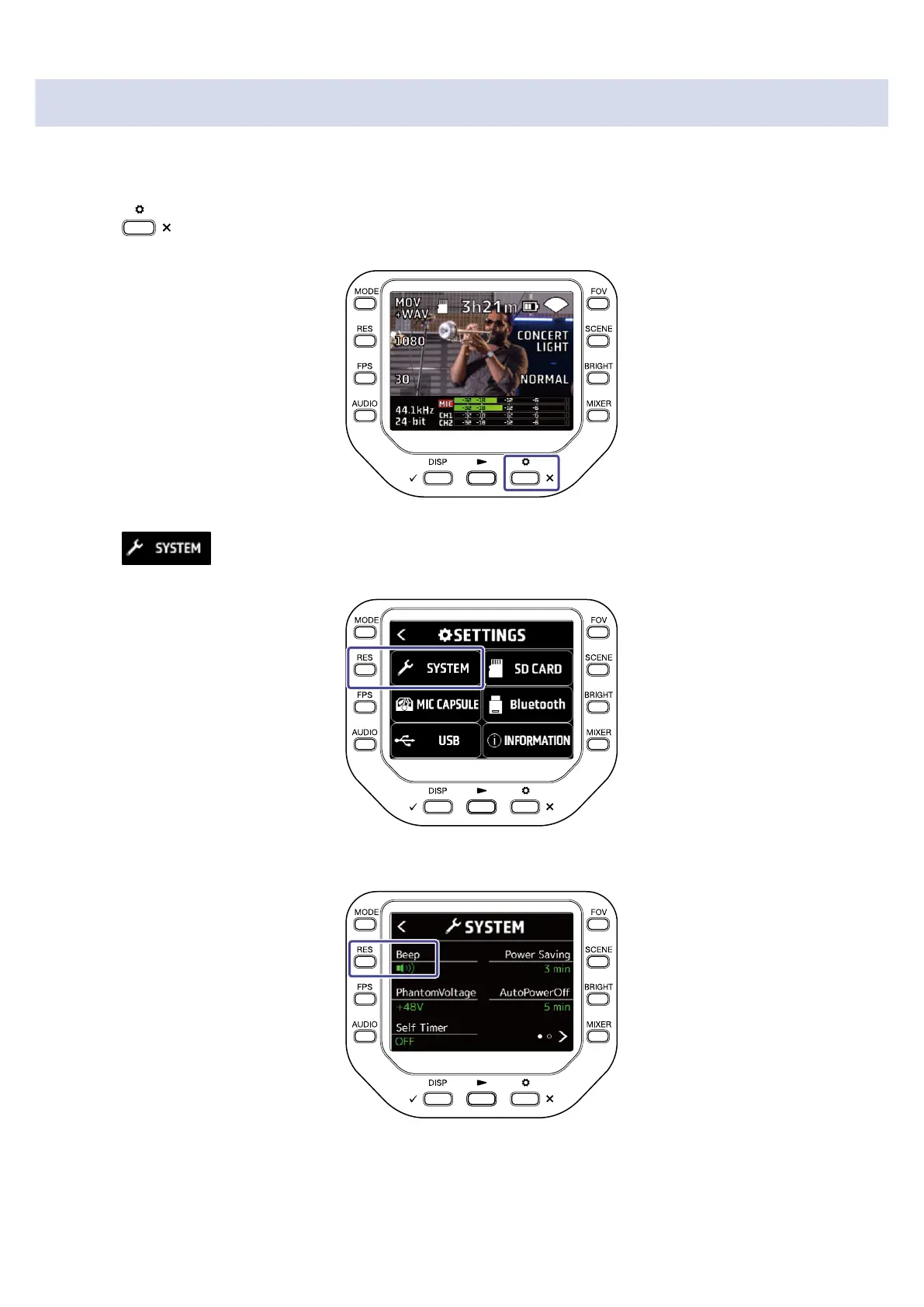
1. Press on the Recording Screen.
The SETTINGS Screen opens.
2. Press on the SETTINGS Screen.
The SYSTEM Screen opens.
3. Press "Beep" to set the volume.
71



 To Next Page