EasyManua.ls Logo

Zoom Q2n-4K - User Manual

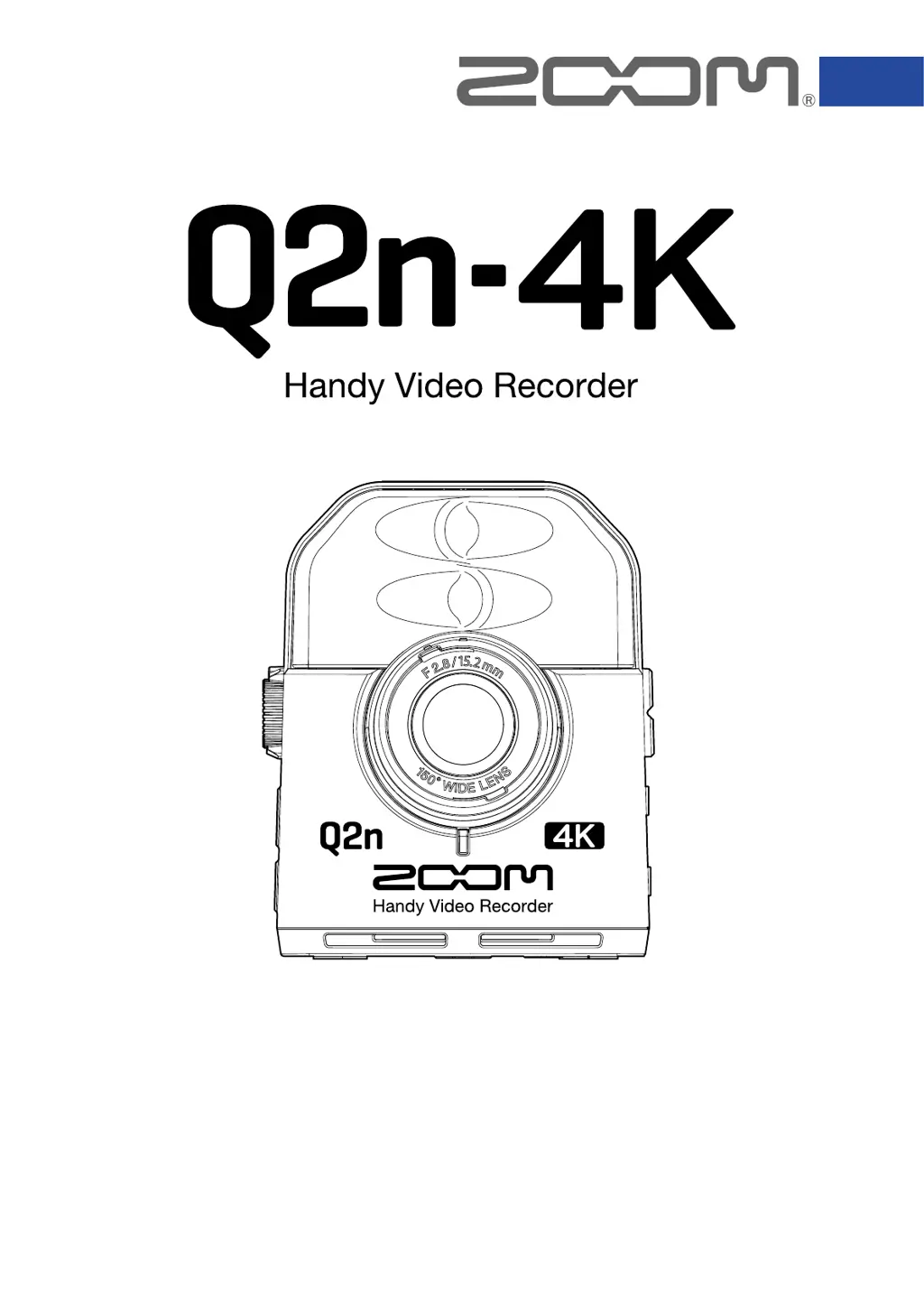
Zoom Q2n-4K
61 pages
Print Icon
To Next Page IconTo Next Page
Loading...
© 2018 ZOOM CORPORATION
Copying or reprinting this manual in part or in whole without permission is prohibited.
You must read the Usage and Safety Precautions before use.
This document cannot be displayed properly on black-and-white displays.
Operation Manual

Table of Contents

Other manuals for Zoom Q2n-4K

Questions and Answers

Summary

Introduction to Q2 n-4 K

Key Features and Capabilities

Highlights Q2n-4K's features: live performance recording, 4K video, HDR, scene settings, and live streaming.

Q2 n-4 K Component Identification

Front View Components

Details the components visible on the front of the Q2n-4K, including lens and microphone.

Back View Components

Identifies controls and display elements on the back of the Q2n-4K.

Side View Components

Explains the ports and controls located on the sides of the Q2n-4K.

Bottom View Components

Describes the bottom-mounted features like tripod threads and battery compartment.

Preparations and Initial Setup

Supplying Power Methods

Covers powering the Q2n-4K using batteries and AC adapters.

Using the AC Adapter

Instructions for connecting the AD-17 AC adapter for continuous power supply.

Inserting and Managing MicroSD Cards

Guide on safely inserting, removing, and formatting microSD cards for the Q2n-4K.

Turning the Q2 n-4 K Power On and Off

Step-by-step instructions for powering the device on and off.

Initial Device Setup and Language Selection

Details the first-time setup process, including setting the display language.

Setting the Device Date and Time

Instructions for configuring the device's date and time for accurate file metadata.

Recording Video and Audio

Recording Screen Interface Explained

Explains the user interface elements shown during recording standby and active recording.

Video Quality and Resolution Settings

Guide to selecting resolution, frame rate, and other video recording parameters.

Adjusting the Field of View (FOV)

How to change the camera's field of view between WIDE and TELE settings.

Selecting Recording Scene Types

Details the various scene presets (AUTO, NIGHT, CONCERT, etc.) and their effects.

Audio Recording Settings

Covers low-frequency noise reduction and audio quality (sampling rate, bit rate) settings.

Manual Recording Level Adjustment

Instructions for manually adjusting input levels using the volume dial and level meters.

Automatic Gain Adjustment Modes

Guide to using automatic gain adjustment modes like CONCERT, SOLO, and MEETING.

Initiating and Stopping Video Recording

Procedure for starting and stopping video recording using the REC button.

Connecting External Audio Input Devices

How to connect external microphones or audio sources via the external input jack.

Playing Back Recordings

Playback Screen Interface Explained

Details the interface of the playback screen, showing file status, progress, and battery.

How to Play Recorded Files

Steps to select and play back previously recorded video and audio files.

Playback Control Operations

Explains controls for pausing, resuming, searching, and navigating between playback files.

Adjusting Playback Output Volume

How to control the playback volume for the speaker and headphone output.

Connecting Headphones and Line Output

Guide on connecting headphones or external amplifiers for audio monitoring.

Viewing Recordings on an HDMI TV

Instructions for connecting the Q2n-4K to an HDMI-compatible TV for viewing recordings.

Managing Recorded Files

Checking File Information Details

Procedure to view details like duration, size, date, time, and audio/video specs of files.

Deleting Unwanted Files

Step-by-step process for selecting and deleting unwanted files from the memory card.

Using USB Functions

Connecting to Computers and iOS Devices via USB

Instructions for establishing USB connections with computers and iOS devices.

Selecting Specific USB Device Functions

Details how to choose between Webcam, Card Reader, and USB Mic modes.

Powering On While Connected to a Computer

Explains the USB function selection screen that appears when powering on connected to a PC.

Using the Q2 n-4 K as a Webcam

Instructions for using the Q2n-4K as a webcam for computers, including connection and application setup.

Compensating for Video and Audio Lag

How to adjust audio delay settings to synchronize video and audio during webcam use.

Using the Q2 n-4 K as a Card Reader

Using the Q2n-4K as a card reader for accessing microSD card data on computers and iOS devices.

Using the Q2 n-4 K as a USB Microphone

Using the Q2n-4K as a USB microphone for computers and iOS devices.

Direct Monitoring with USB Microphone

Enabling or disabling direct monitoring of input sound while using the USB mic feature.

Battery Settings and Power Management

Setting the Correct Battery Type

Procedure to inform the device about the battery type for accurate charge level display.

Energy Saving: Display Backlight Time

Covers power-saving options like adjusting the display backlight time.

Configuring Auto Power Off Function

How to configure the automatic power-off timer to conserve battery life.

Setting Device Date and Time

Adjusting Operation Sound Volume

Guide to adjusting the volume of system sounds like button presses.

Continuous Playback Configuration

How to configure playback to automatically play the next file or stop after one.

Enabling Plug-in Power for Microphones

Enabling plug-in power output from the Q2n-4K for compatible microphones.

Setting Standard Video Frame Rates

Setting the regional video format frame rate (NTSC/PAL).

Changing Display Language Settings

Instructions on how to change the language displayed on the device's screen.

Formatting MicroSD Cards for Performance

Restoring Factory Default Settings

Updating Q2 n-4 K Firmware

Addressing Q2 n-4 K Warning Messages

Startup Warning Messages and Responses

Explains messages appearing during startup, like date reset or file recovery failure.

Battery Status Warnings

Details the 'Low Battery!' warning and the necessary action.

Recording Screen Warning Messages

Covers warnings displayed during recording (SD card issues, overheating) and their solutions.

Playback Screen Warning Messages

Explains warnings shown during playback, such as invalid files or deletion limits.

Troubleshooting Recording and Playback Issues

Q2 n-4 K Technical Specifications

Zoom Q2n-4K Specifications

General IconGeneral
Sensor typeCMOS
Total megapixels- MP
Optical sensor size1/2.3 \
Optical zoom- x
Image stabilizer-
Minimum aperture number2.8
3DNo
Camcorder typeHandheld camcorder
Maximum frame rate60 fps
Supported video modes720p, 1080p
Video formats supportedAVC, H.264, MPEG4
Maximum video resolution- pixels
Built-in microphoneYes
Audio formats supportedWAV
Display diagonal1.77 \
Display resolution160 x 128 pixels
Viewfinder typeElectronic
Memory slots1
Camcorder media typeMemory card
Compatible memory cardsMicroSD (TransFlash), MicroSDHC, MicroSDXC
Maximum memory card size1000 GB
Internal storage capacity- GB
USB 2.0 ports quantityUSB 2.0 ports have a data transmission speed of 480 Mbps, and are backwards compatible with USB 1.1 ports. You can connect all kinds of peripheral devices to them.
Battery typeAA
Battery capacity- mAh
Video recording time6 h
Number of batteries supported2
Scene modesNight
Product colorBlack
Weight and Dimensions IconWeight and Dimensions
Depth58.7 mm
Width68.5 mm
Height83 mm
Weight124 g

Related product manuals