Back
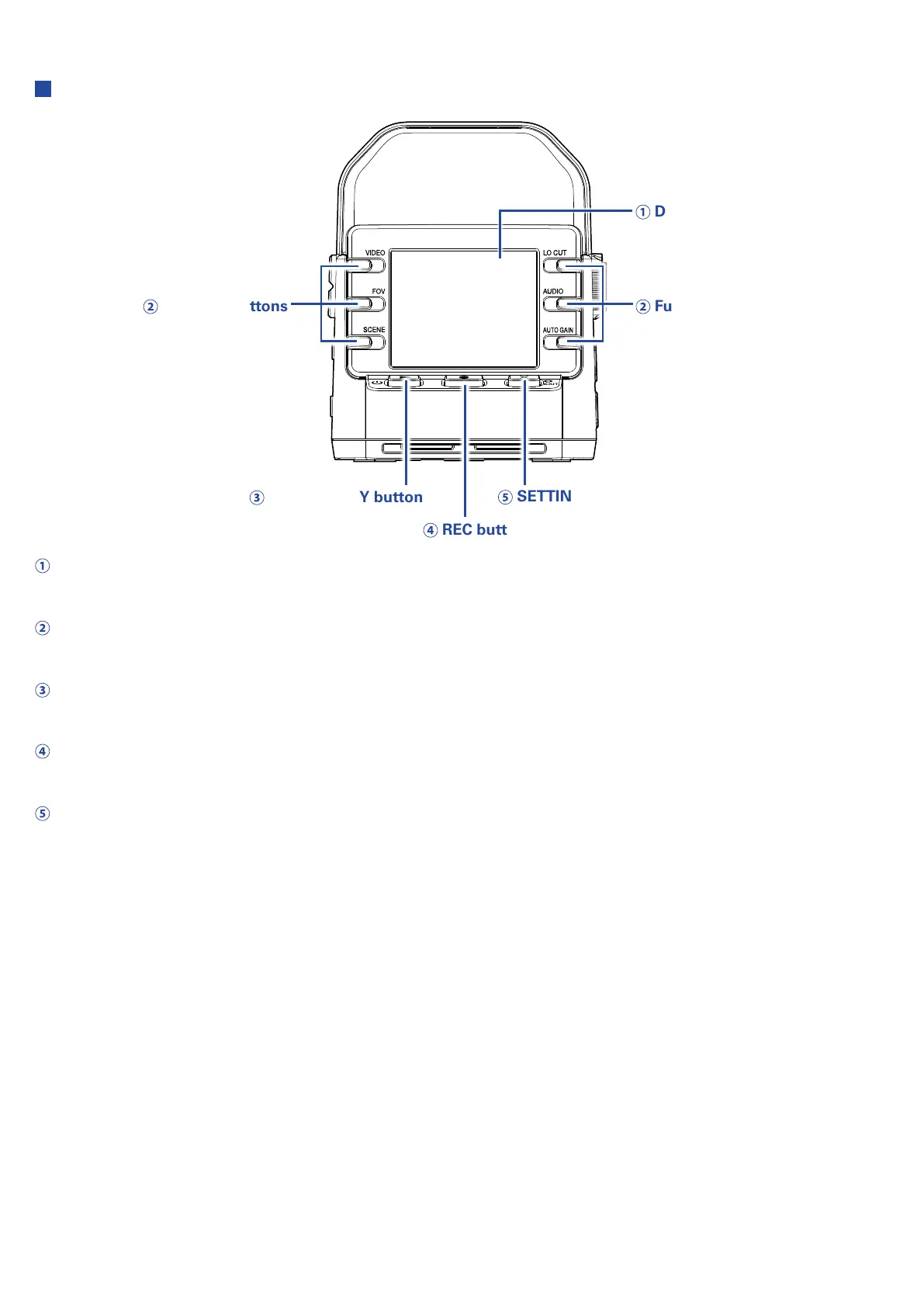
Display (LCD)
Function buttons Function buttons
POWER/PLAY button
REC button
SETTING/EXIT button
Display (LCD)
This shows the video and various types of information.
Function buttons
Use these to operate the functions shown on the display.
POWER/PLAY button
Use this to turn the power ON/OFF and to start video playback.
REC button
Use this to start and stop recording. Use this to confirm on setting and confirmation screens.
SETTING/EXIT button
Use this to open and close the Setting Screen. Use this to cancel on setting and confirmation screens.
7



 To Next Page