Setting up when first turned on
The first time the is turned on, the display language and the date and time must be set.
HINT
Language display and date and time settings can be changed later on the Setting Screen. ( “Setting the
language shown” on page 52, “Setting the date and time” on page 47)
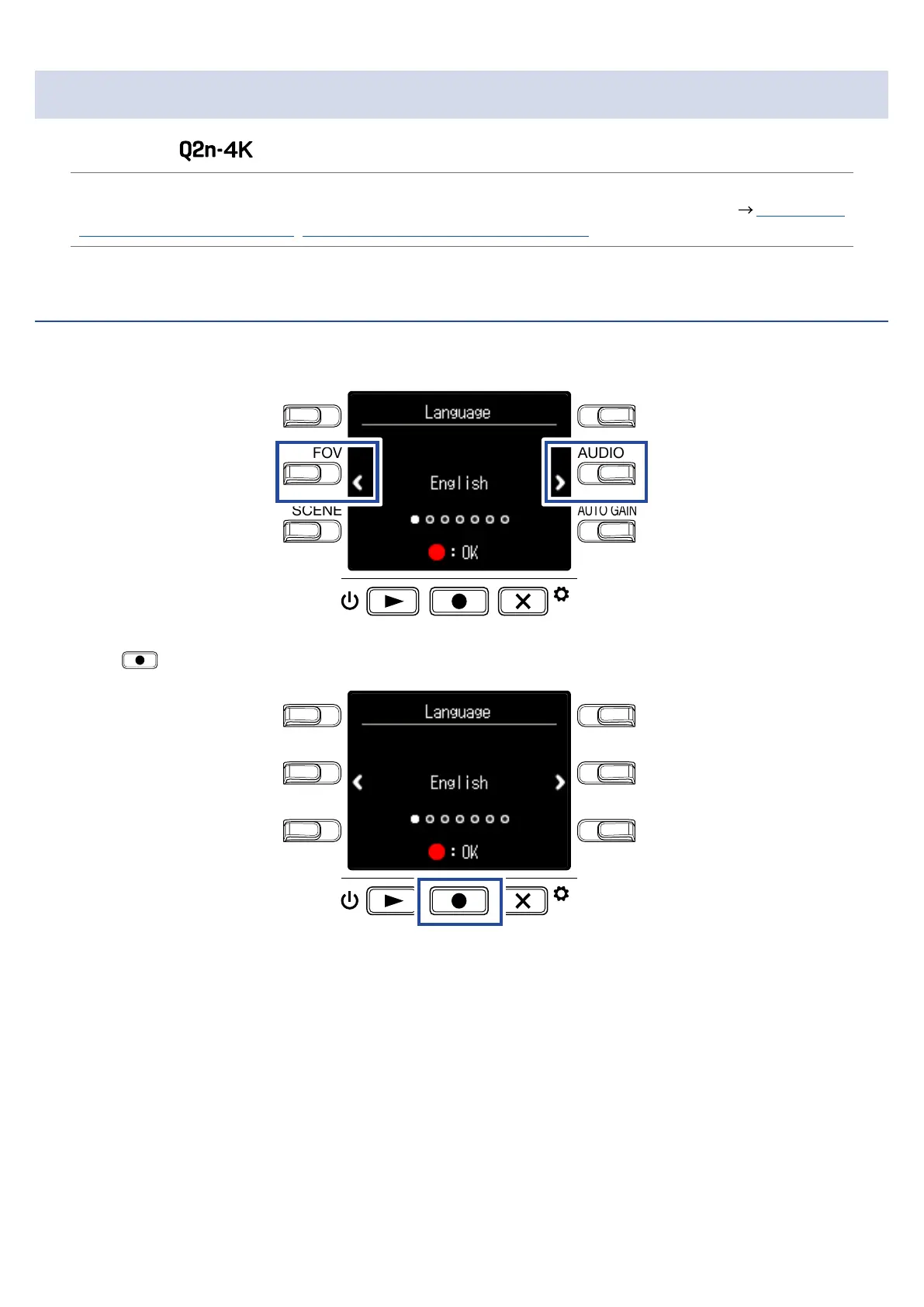
Setting the language shown
1.
Use < and > to select the language displayed.
LO CUTVIDEO
AUDIOFOV
AUTO GAIN
SCENE
EXIT
2.
Press to confirm.
LO CUTVIDEO
AUDIOFOV
AUTO GAIN
SCENE
EXIT
14



 To Next Page