Using as a USB mic
The can be used as a USB mic to input audio to a computer or iOS device.
1.
Connect the to a computer or iOS device.
(
“Connecting to computers and iOS devices” on page 34)
2.
Launch an application that uses a mic on the computer or iOS device, and select the .
HINT
Refer to the manual for the application that you are using for the procedures to select the .
3.
To end the connection, conduct the necessary disconnection procedures on the computer or iOS de-
vice.
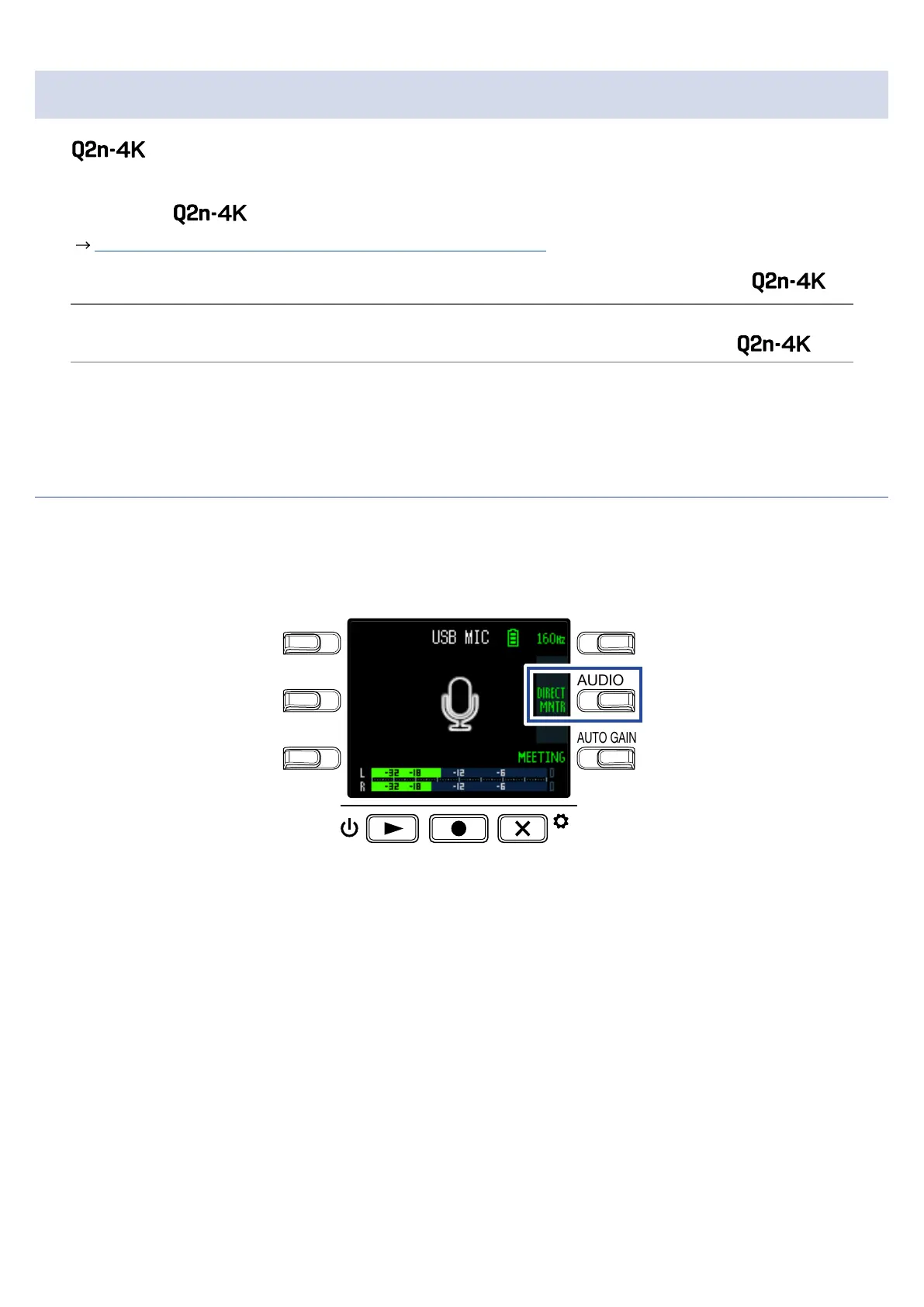
Enabling direct monitoring
The input sound can be monitored directly during USB mic use.
1.
During USB mic use, press DIRECT MNTR.
LO CUTVIDEO
AUDIOFOV
AUTO GAIN
SCENE
EXIT
This turns direct monitoring ON/OFF.
40



 To Next Page