Setting the volume of the operation sound
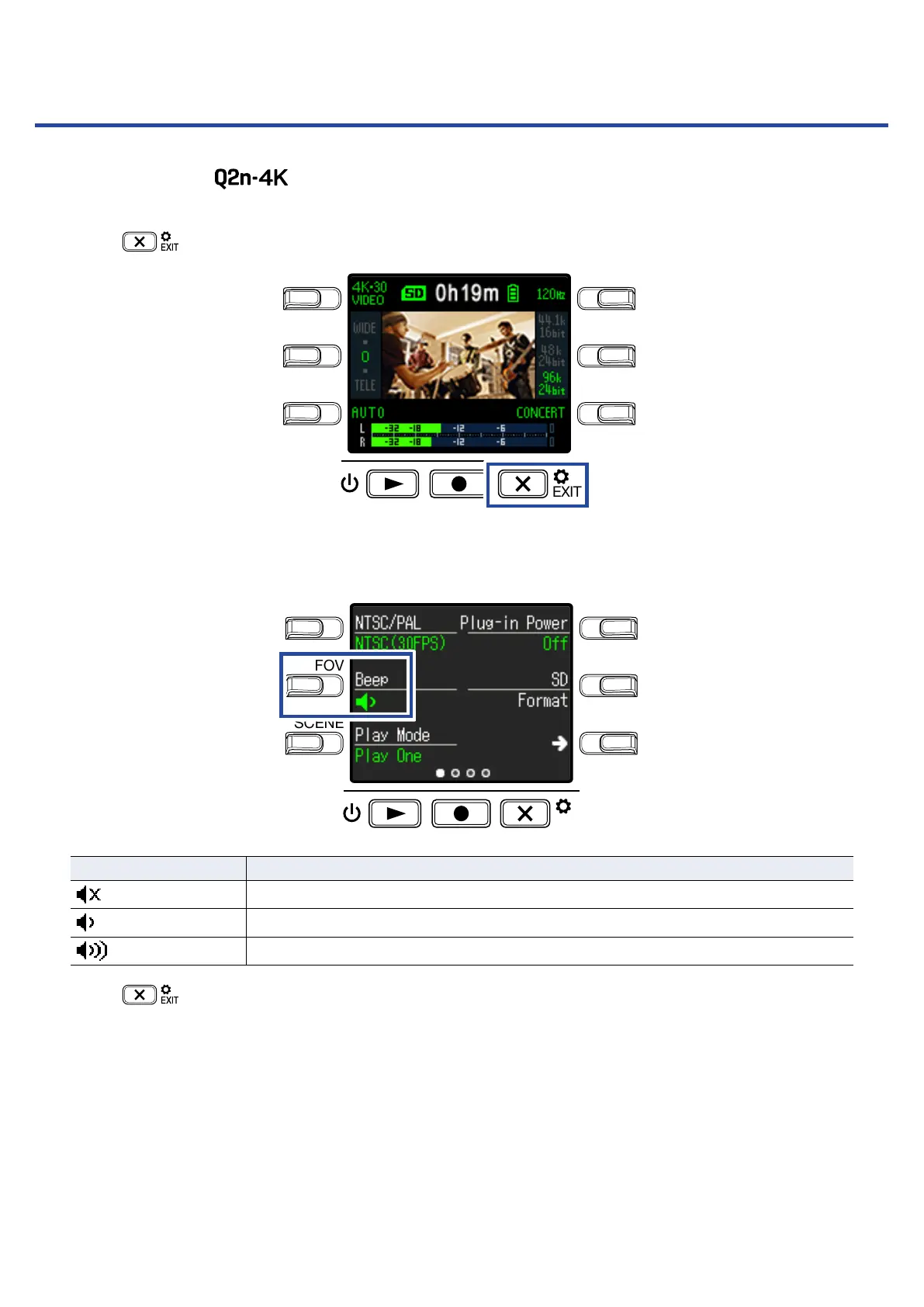
Set the volume of the operation sound.
1.
Press on the Recording Screen.
LO CUTVIDEO
AUDIOFOV
AUTO GAIN
SCENE
EXIT
This opens the Setting Screen.
2.
Press Beep, and set the volume.
LO CUTVIDEO
AUDIOFOV
AUTO GAIN
SCENE
EXIT
Setting Explanation
No operation sound is output.
A low-volume operation sound is output.
A high-volume operation sound is output.
3.
Press .
This reopens the Recording Screen.
48



 To Next Page