Setting the Auto Power Off function
Set to turn off automatically if not used at all for a set amount of time when running on battery power.
NOTE
This function is disabled during recording and playback as well as when it is powered through its USB
port.
1.
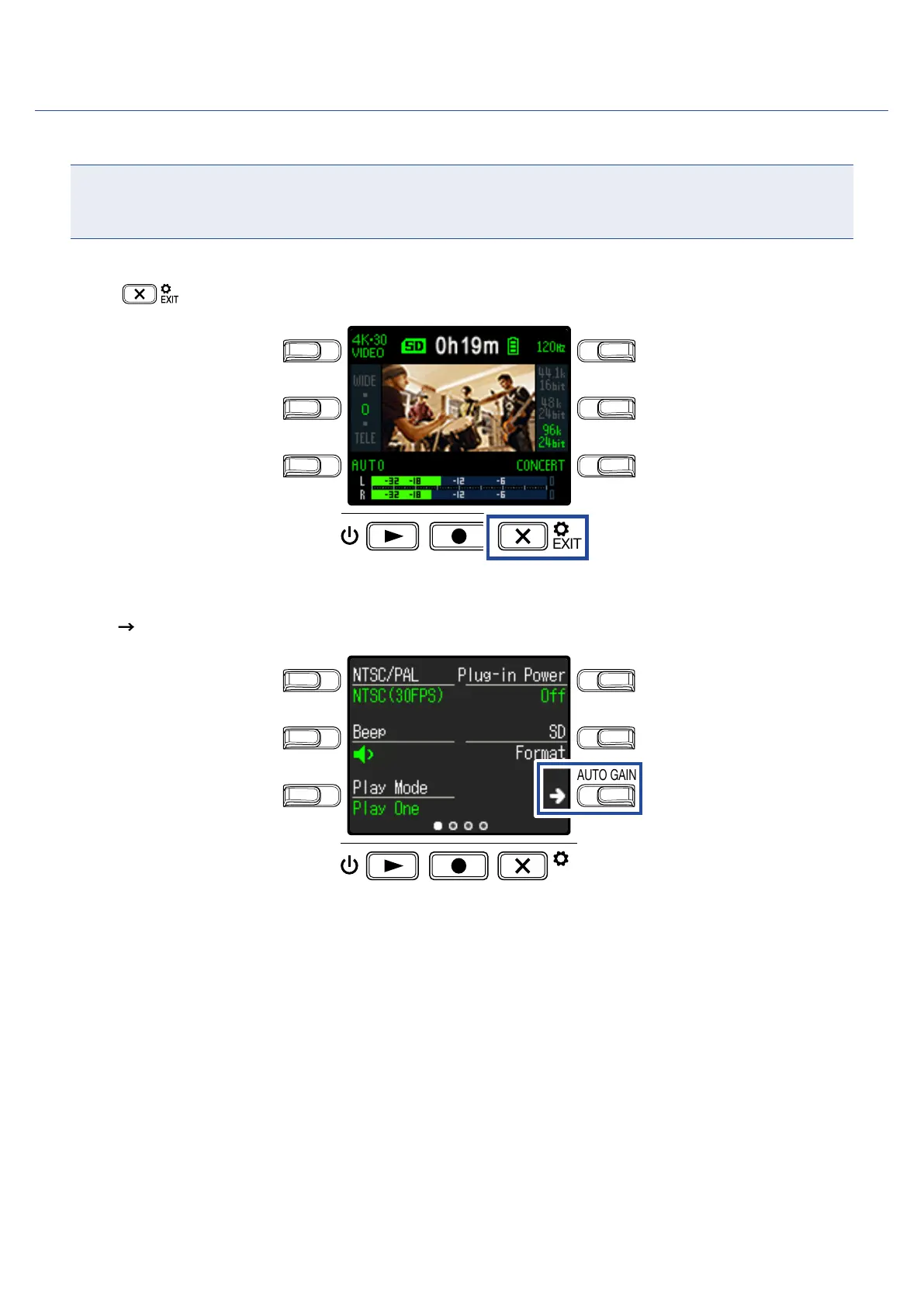
Press on the Recording Screen.
LO CUTVIDEO
AUDIOFOV
AUTO GAIN
SCENE
EXIT
This opens the Setting Screen.
2.
Press three times to change the Setting Screen.
LO CUTVIDEO
AUDIOFOV
AUTO GAIN
SCENE
EXIT
45



 To Next Page