3.
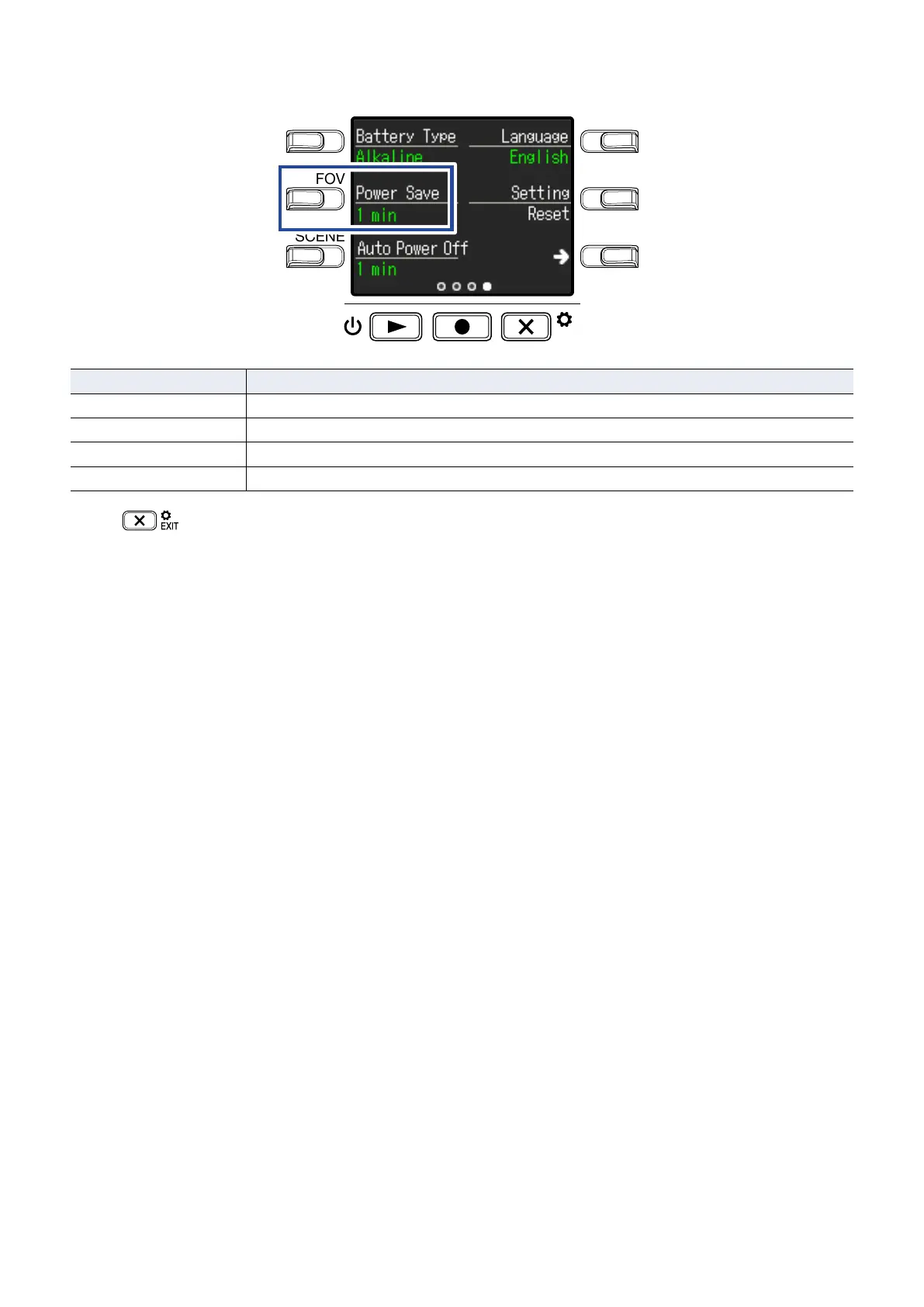
Press Power Save, and set the time until the backlight dims.
LO CUTVIDEO
AUDIOFOV
AUTO GAIN
SCENE
EXIT
Setting Explanation
Off The backlight always stays bright.
1 min The backlight dims if no operation occurs for 1 minute.
3 min The backlight dims if no operation occurs for 3 minutes.
5 min The backlight dims if no operation occurs for 5 minutes.
4.
Press
.
This reopens the Recording Screen.
44



 To Next Page