Viewing on an HDMI-compatible TV
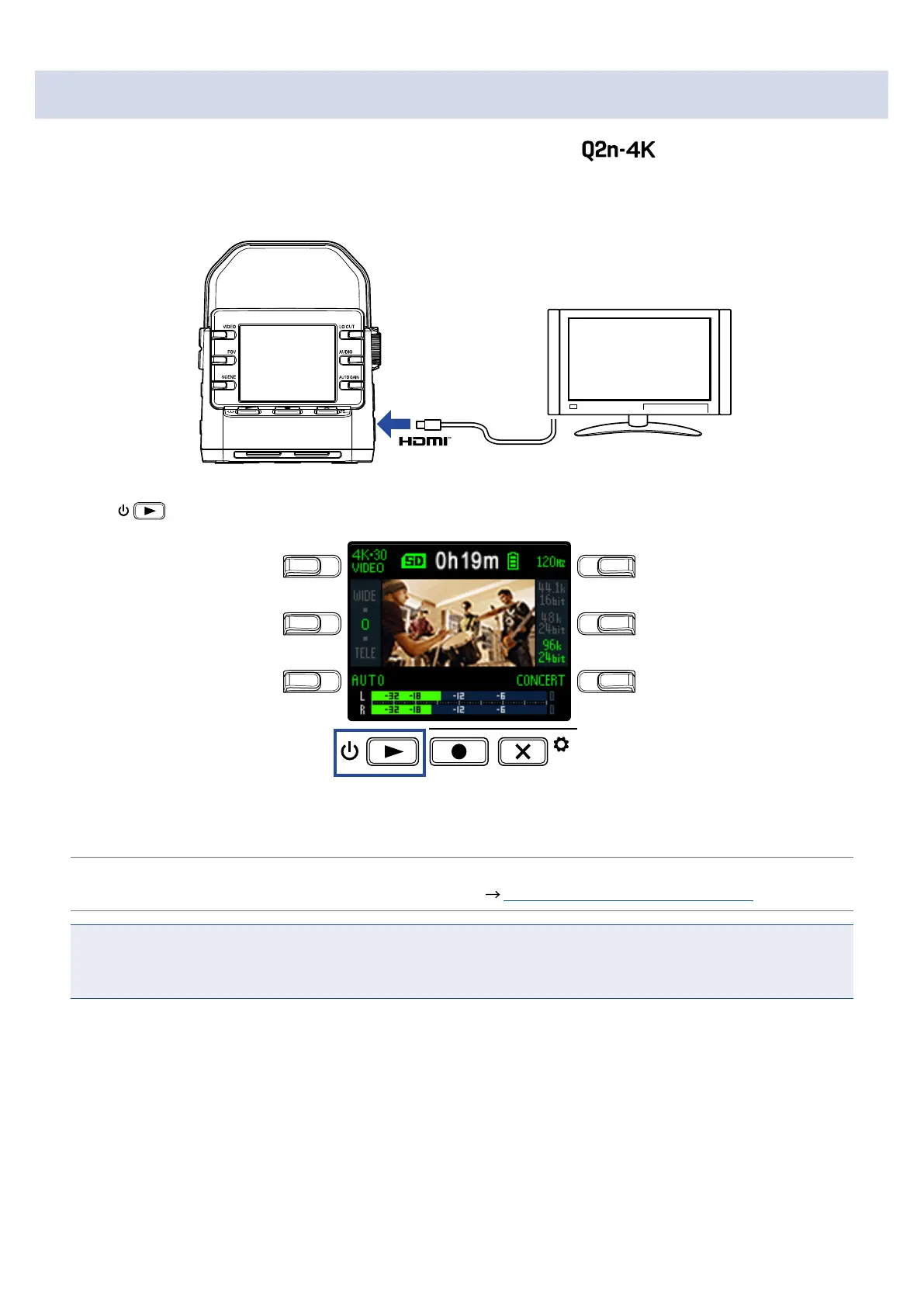
Use an HDMI cable to connect with an HDMI-compatible TV to view video recordings on it.
1.
Connect an HDMI cable (not included) to the Micro HDMI connector.
2.
Press to play the video and audio.
LO CUTVIDEO
AUDIOFOV
AUTO GAIN
SCENE
EXIT
The display on the recorder will turn off and the recorded file will play on the TV screen.
HINT
The recorder can be operated while outputting to a TV. ( “Playback operations” on page 27)
NOTE
• During TV output, file information cannot be shown and files cannot be deleted.
• Some TVs do not support some audio formats, so correct playback might not always be possible.
30



 To Next Page