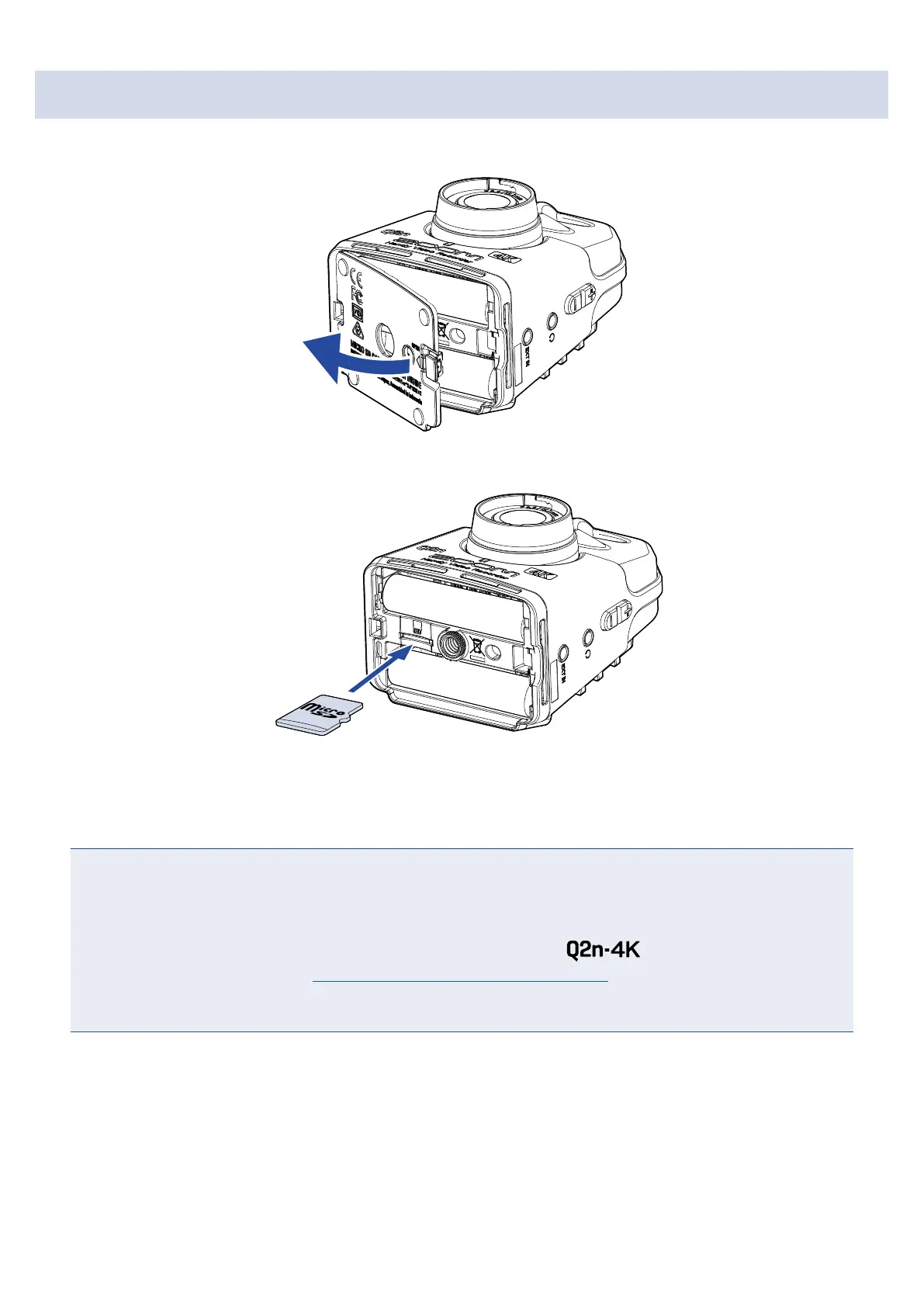
Inserting microSD cards
1.
Open the battery/card compartment cover.
2.
Insert the microSD card into the card slot.
microSD card
To remove a microSD card, push it further into the slot and then pull it out.
3.
Close the battery/card compartment cover.
NOTE
• Always make certain that the power is off when inserting or removing a microSD card. Inserting or
removing a card while the power is on could result in data loss.
• When inserting a microSD card, be sure to insert the correct end with the top side up as shown.
•
After purchasing a new microSD card, always format it using the
to maximize performance.
To format a microSD card, see “Formatting microSD cards” on page 53.
• Use a microSD card that is Class 10 or higher.
When recording at 4K resolution, use as microSD card that is UHS Speed Class 3 or higher.
12



 To Next Page