Using mics that support plug-in power
Enable plug-in power from the for mics that support it.
1.
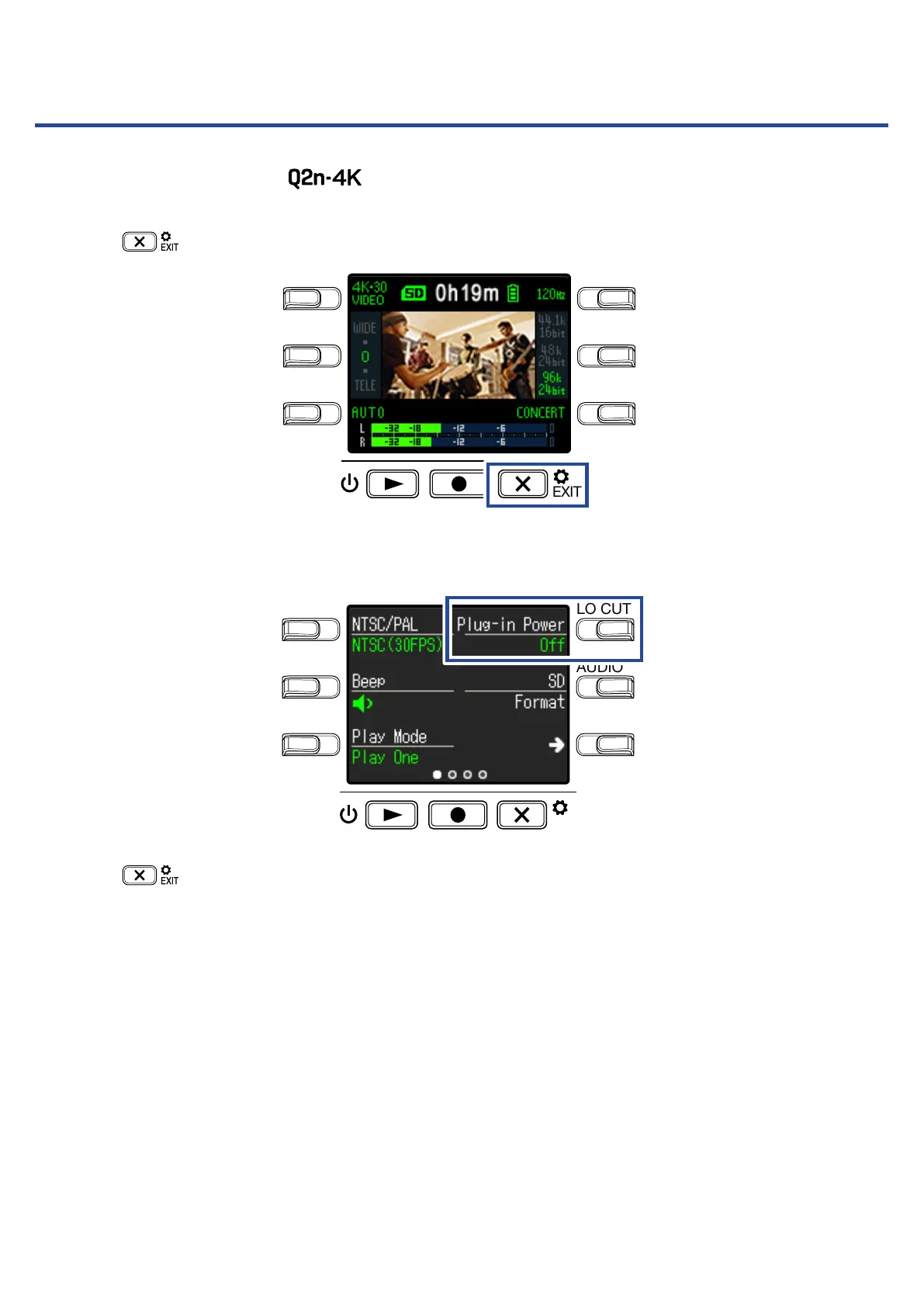
Press on the Recording Screen.
LO CUTVIDEO
AUDIOFOV
AUTO GAIN
SCENE
EXIT
This opens the Setting Screen.
2.
Press Plug-in Power and set it to On.
LO CUTVIDEO
AUDIOFOV
AUTO GAIN
SCENE
EXIT
3.
Press .
This reopens the Recording Screen.
50



 To Next Page