Managing files
Checking file information
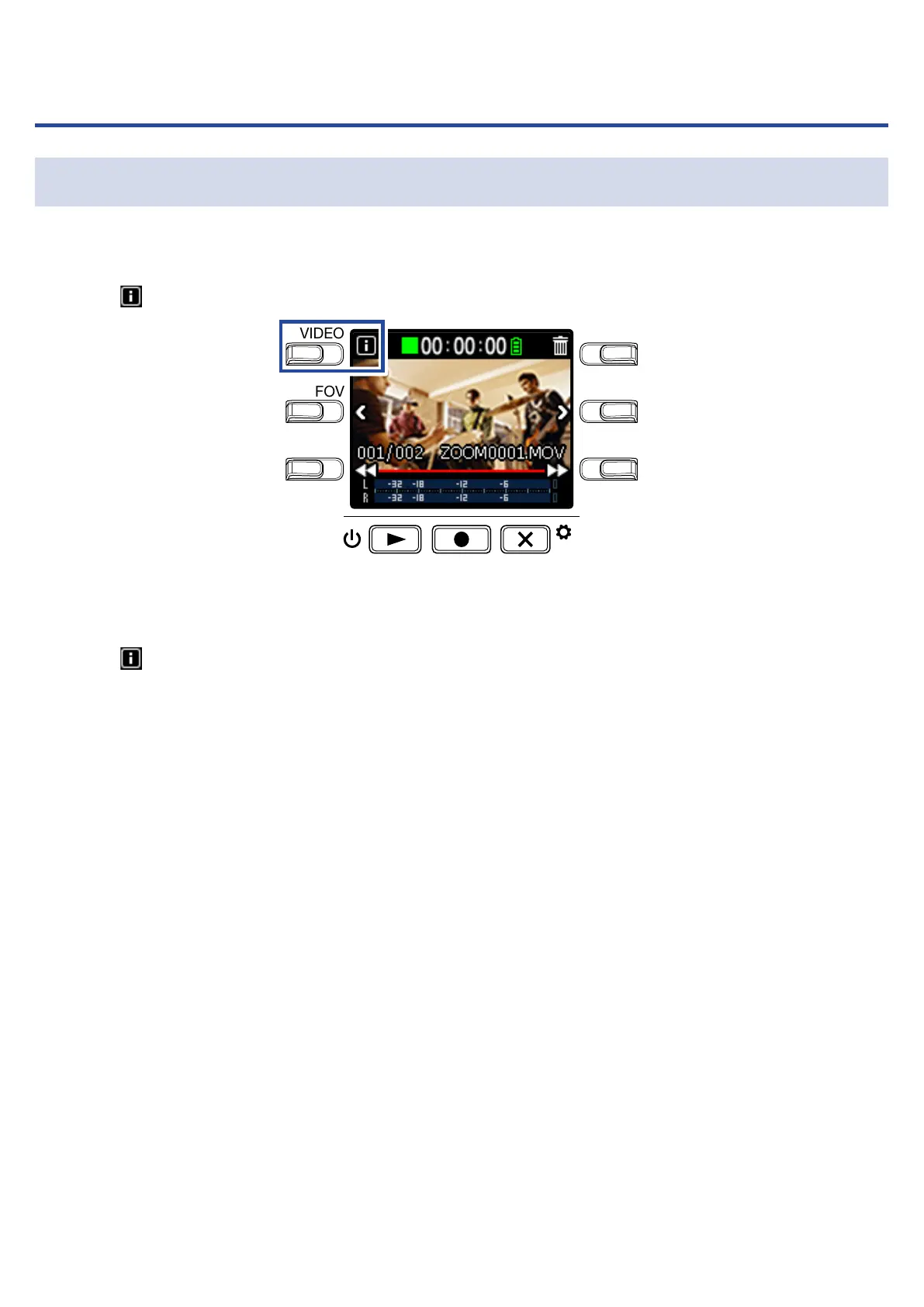
You can view a variety of information about the current playback file.
1.
Press on the Playback Screen.
LO CUTVIDEO
AUDIOFOV
AUTO GAIN
SCENE
EXIT
This shows information about the current playback file.
Information about the duration, size, date, time, video and audio can be checked.
2.
Press .
This reopens the Playback Screen.
31



 To Next Page