Using automatic level adjustment
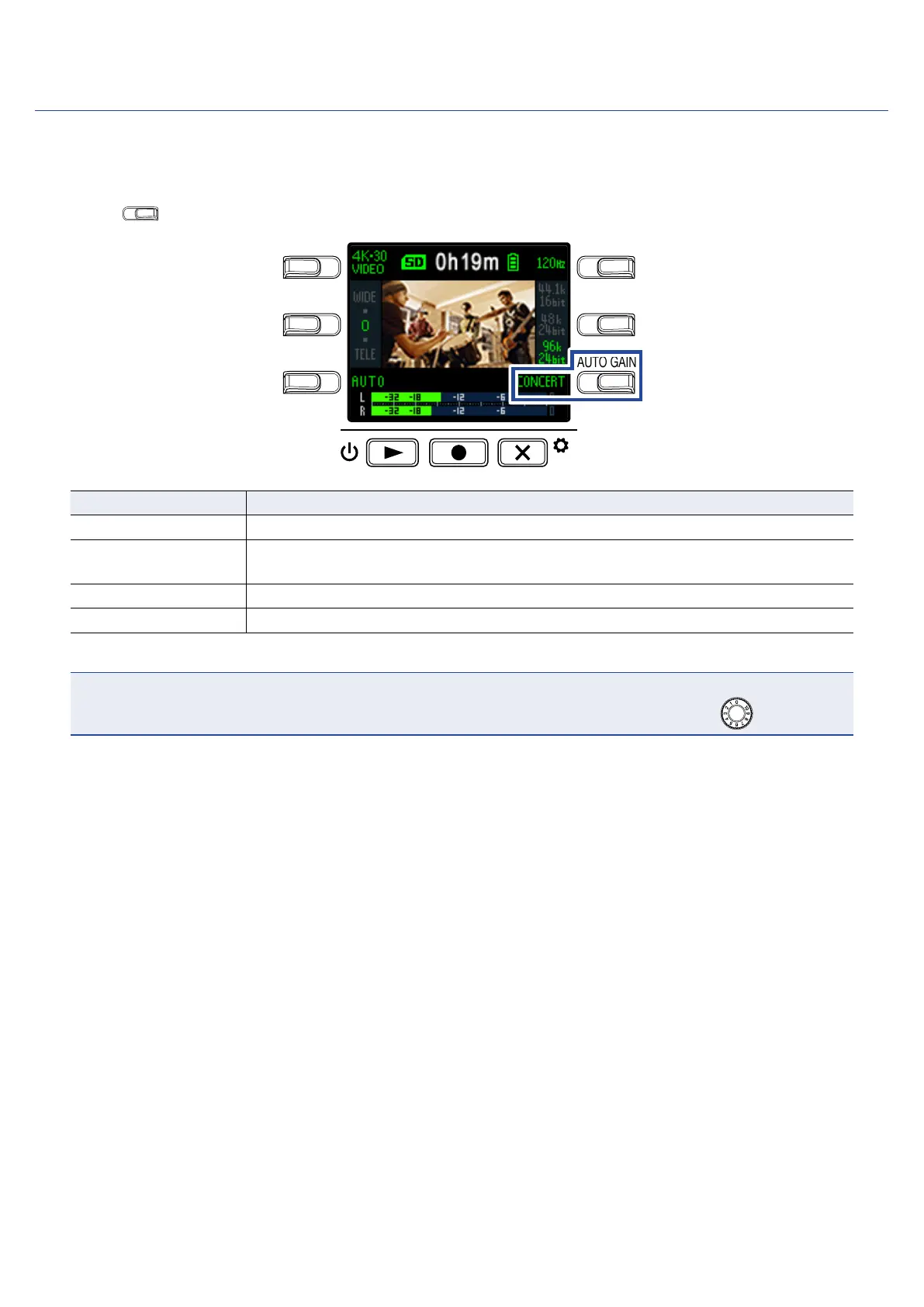
The recording level can be adjusted automatically according to the use conditions.
1.
Press
AUTO GAIN
on the Recording Screen to set the automatic gain adjustment.
LO CUTVIDEO
AUDIOFOV
AUTO GAIN
SCENE
EXIT
Setting Explanation
OFF This disables automatic level adjustment. Adjust the recording level manually.
CONCERT
This is suitable for recording band performances, concerts and other loud situa-
tions.
SOLO Use for solo performances and other quiet sounds.
MEETING Use for meetings and field recordings.
NOTE
When automatic gain adjustment is in use, manual adjustments cannot be made using .
22



 To Next Page