Deleting files
You can delete files that you do not need.
1.
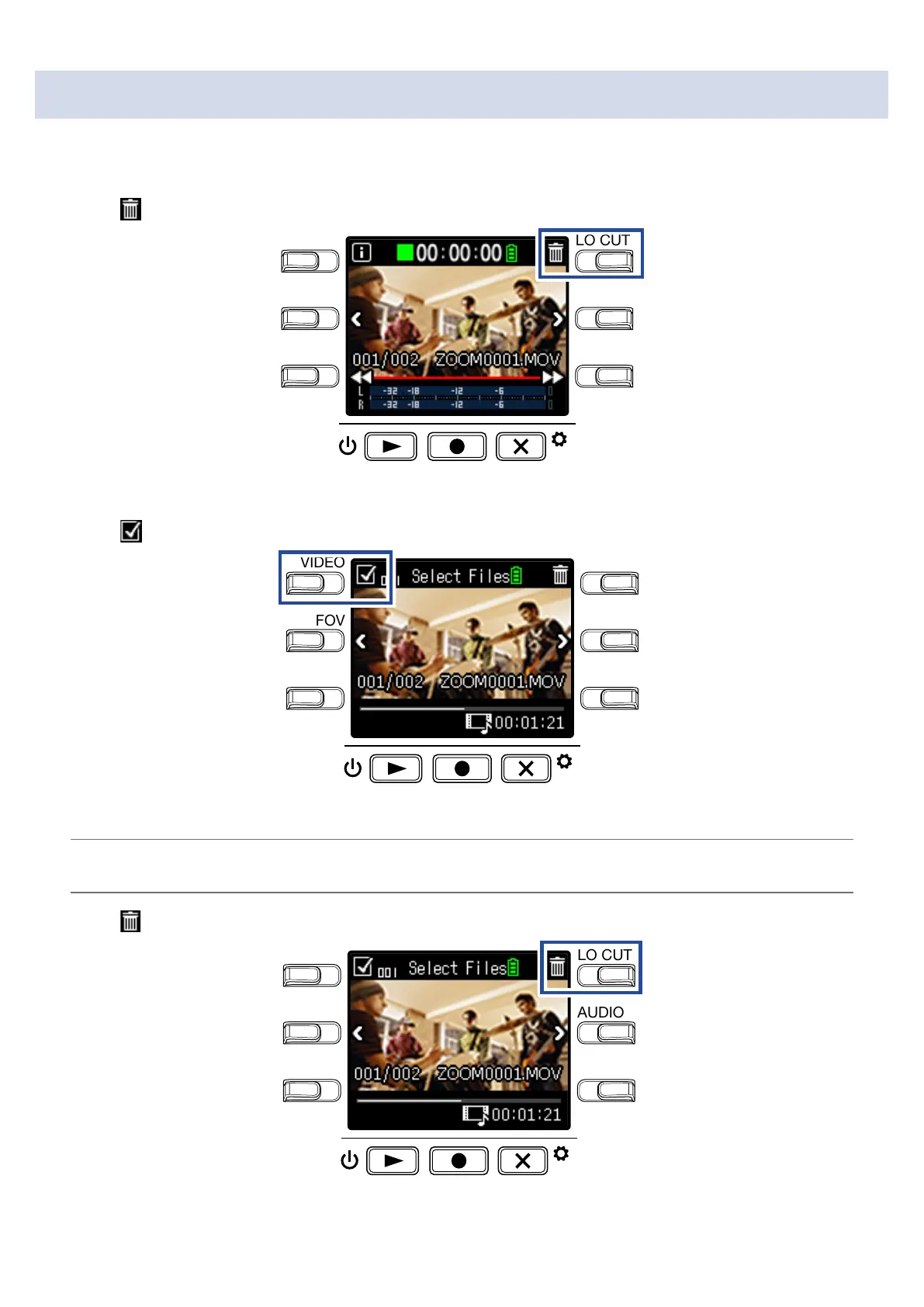
Press on the Playback Screen.
LO CUTVIDEO
AUDIOFOV
AUTO GAIN
SCENE
EXIT
The deletion screen will open.
2.
Press
to select a file.
LO CUTVIDEO
AUDIOFOV
AUTO GAIN
SCENE
EXIT
A check will appear in the box at the top left of the file image.
HINT
You can use < and > to change files and add checks to multiple files.
3.
Press .
LO CUTVIDEO
AUDIOFOV
AUTO GAIN
SCENE
EXIT
This opens a deletion confirmation screen.
32



 To Next Page