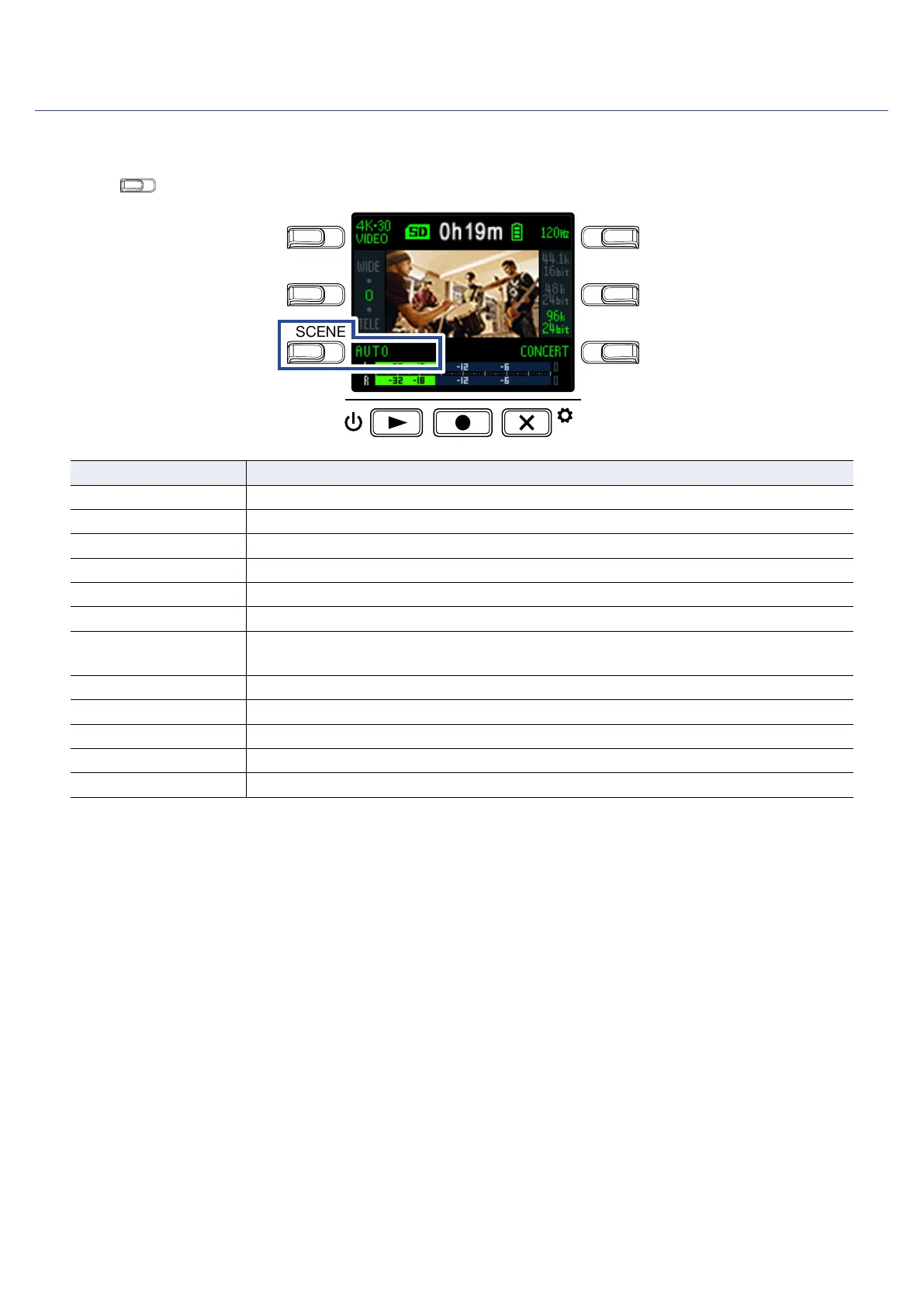
Setting the scene type
This sets the camera settings for the recording conditions (scene).
1.
Press
on the Recording Screen to set the scene type.
LO CUTVIDEO
AUDIOFOV
AUTO GAIN
SCENE
EXIT
Setting Explanation
AUTO Settings change according to the recording conditions.
OUTDOOR Settings are optimized for outdoor recording.
SUNSET Settings are optimized for sunset scenes.
NIGHT Adjustments are made for night and other dark situations.
CONCERT LIGHT Settings are suitable for concert lighting that is bright and changes drastically.
JAZZ CLUB Settings are suitable for jazz clubs and similar venues.
DANCE CLUB
Settings are suitable for dance clubs and venues where lighting changes drasti-
cally.
MONOCHROME Recording is processed to be like black and white film.
SEPIA Recording is processed with a sepia tone.
FILM Recording is processed to be like film.
X-PROCESS A cross-processing effect is applied.
FLAT This is suitable for color matching with other cameras in post-processing.
19



 To Next Page