(theadapterisnotincludedinthepackage)
z Pleasechargethewatchbeforeuse,thechargingprocesstakesabout2hoursWear
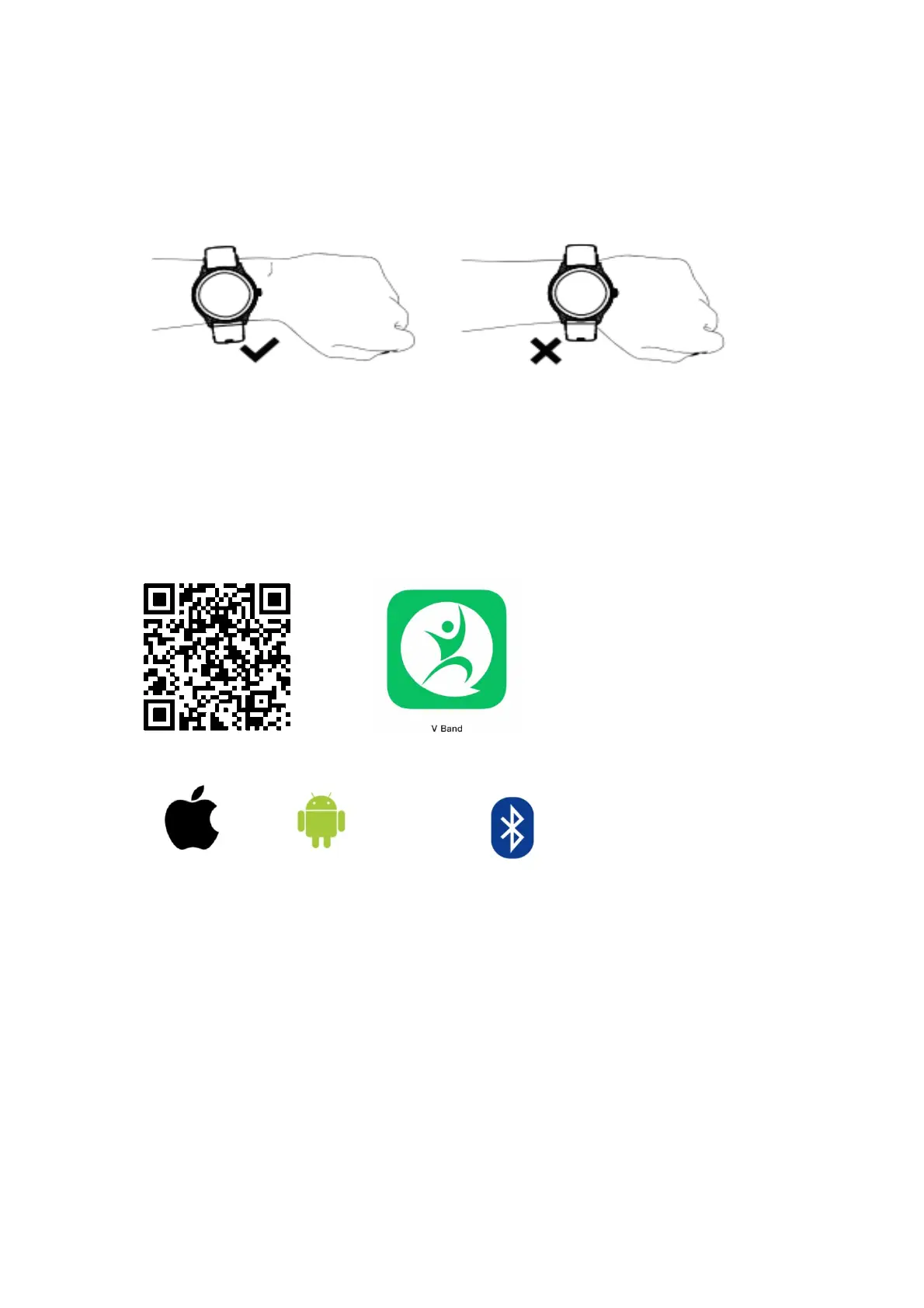
z Dailywear:Wearthewatchaboutonefingerawayfromthewristboneandadjustittoa
comfortabletightness.
z Tips:Wearingtoolooseor
tootightmayaffecttheaccuracyofthemeasurementresults.
Appinstallation
z This product is a Bluetooth product, and many functions need to be connected to the
supportingappbeforethey canbeused.Youcanonlyuseotherfunctionsafterconnecting
the watch in the app,such as: watch time synchronization, call reminder,message content
push, weather display,
remote camer a, music control, etc. Note: Plea se do not directly
connecttheBluetoothofthemobilephonetothewatch.
z The V Band application can be downloaded and installed in the App Store on iOS and
GooglePlayonAndroid,orbyscanningtheQRcode.
VBandappissuitablefor:
iOS 9.0 and above Android 5.0 and
above Bluetooth5.0andabove
Note:Onlyformobi lephones.ItcannotbeusedwithaniPad,tabletorpersonalcomputer.
Deviceconnection
z Toconnecttothe watch,you needtoturnontheBluetoothofthemobilephone,bindthe
watch in
the app (V band), click Add Device, search for the watch device to complete the
binding. If multiple devices are nearby, you can use the watch MAC address to determine
yourdeviceforbinding.
z In the watch setting menu‐about interface, the watch MAC address will be displayed, and
yourdevicecanbedeterminedbytheMACaddressinthedevicelist;
Thespecificoperationdiagramisasfollows:


 To Next Page
 Loading...