Three alarms can be set on the app, and the alarm repeat time. The watch end can manually
switch the alarm clock, no need to open the app end, which is convenient for alarm clock
operation.
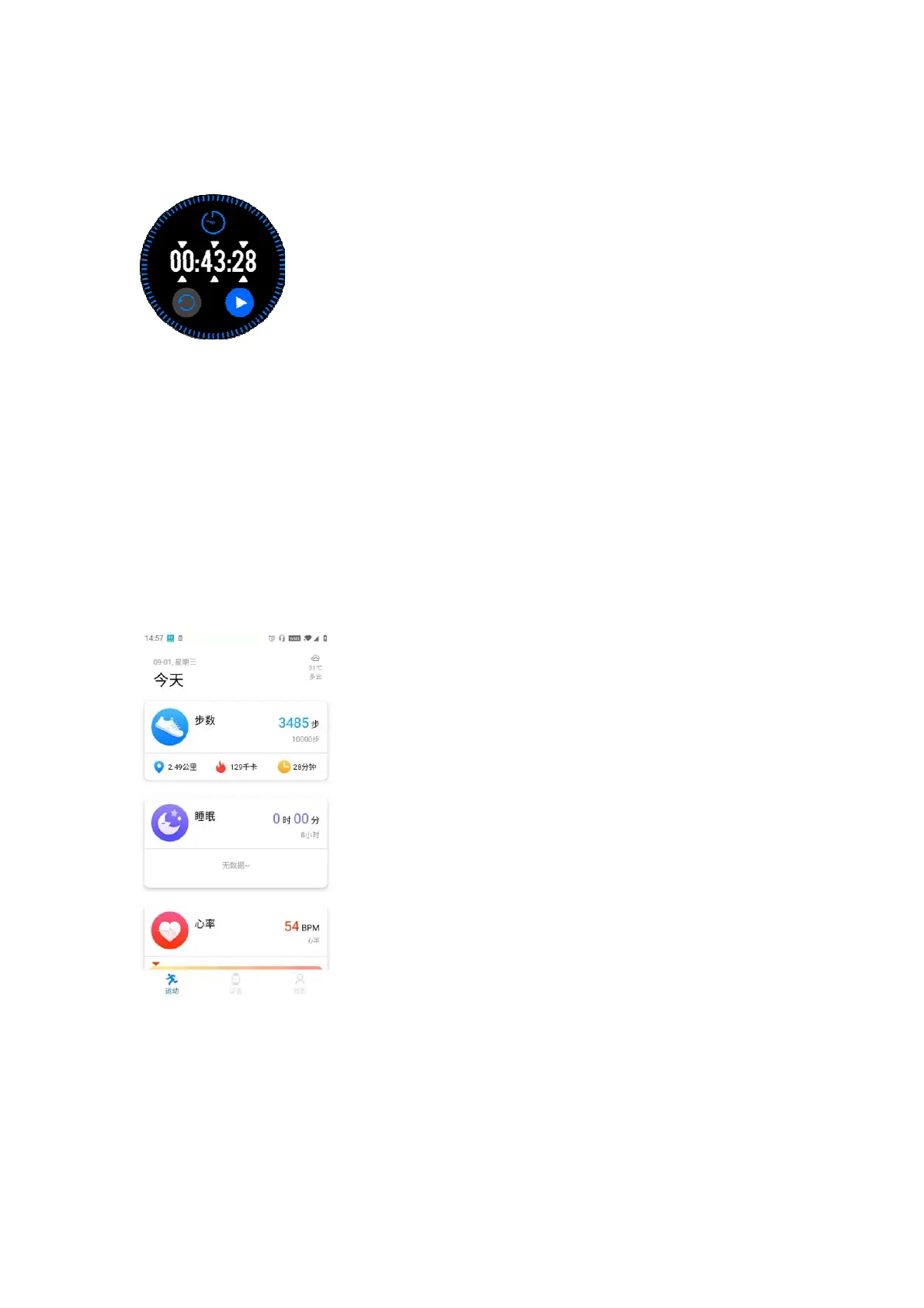
Timmer
Youcansetthecountdowntimeonthewatch.Clickthesmalltriangleiconcorrespondingtothe
hour,minute,andsecondonthecountdowninterfacetosetthelengthoftimedirectly,whichis
conv enien tfordai lyoperations.
Morefeatures
The watch also contains practical functions such as weather, stopwatch,
remote camera,
sedentaryreminder,drinkingreminderandsoon.
Appoperationintroduction
1. Enterthe app sports interface,pressand hold the phone screenand pull down to refresh to
synchronizewatchdata.
2. Clickthesteps,sleepandothermodules,youcanentertoviewthecurrentorrecentexercise,
sleepdatastatus
3. Clickthe exerciseheartrate/bloodpressure/bloodoxygenmodule, you can enterto viewthe
current or recent data status, you can also click on the app to measure
heart rate/blood
pressure/bloodoxygen.Thedataafterthetestwillbeautomaticallysavedtothephone.
4. Tapthewatchexercisetoperformreal‐timetraining,recordthenumberofexercisesteps,time,
calories,mileageandexercisetrack,andyoucanqueryhistoricaltrainingrecords.


 To Next Page