136
1
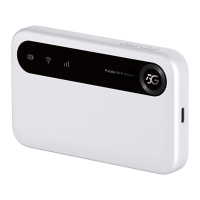
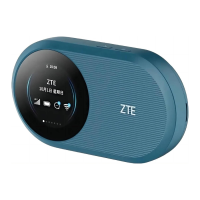
Charging/USB
Type-C jack
Charge the device or connect to the USB port of a
computer.
2
Screen
Displays device status, trafc usage, upload and
download rates, QR code for Wi-Fi connection, Wi-
Fi SSID, and password.
3
Operation
Button
Select what is displayed on the screen or press
and hold for about 3 seconds to activate the WPS
function.
4
Power key
Press and hold for about 3 seconds to power on/off
your device.
* After the device has not been operated for about 30 seconds, the
screen turns off. You can press any key to wake up the screen again.


 To Next Page