45
EN
0000
0000
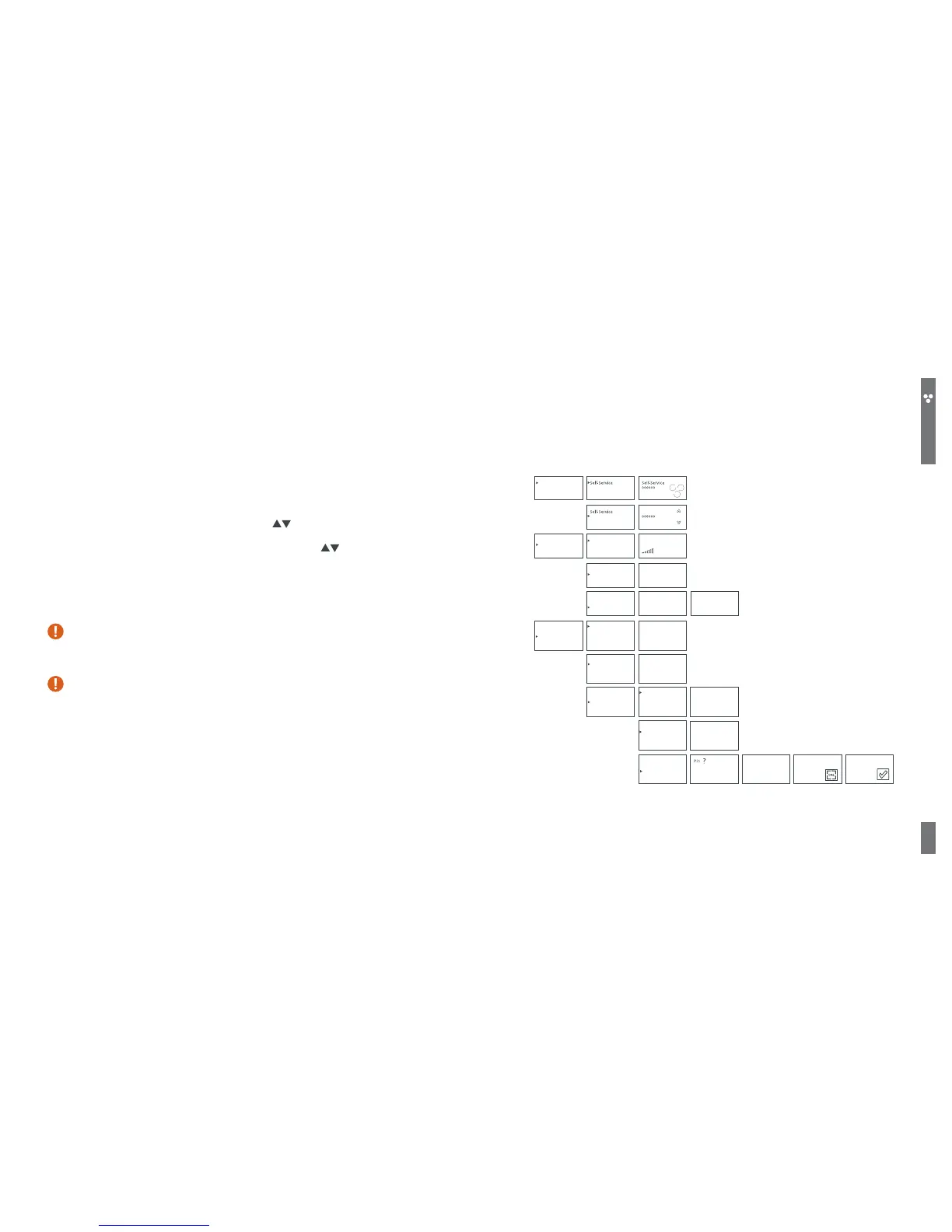
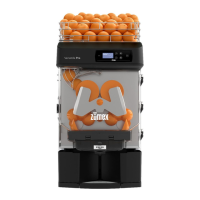
SUMMARY OF ZUMEX ESSENTIAL PRO AND VERSATILE PRO OPERATING MODES
Professional
Language
English
1/23
Working mode
Conguration
Technical Service
Working mode
Conguration
Technical Service
Professional
Professional
Lighting
Language
Offset
Lighting
Lighting
Language
Offset
231
97
30
Working mode
Conguration
Technical Service
Serial number
Voltage
Calibration
Pin
Counters
Serial number
Voltage
Calibration
Pin
Counters
Serial number
Voltage
Calibration
Pin
Counters
Calibration value
Offset value
Calibration
Calibration value
Offset value
Calibration
Offset value
Calibration value
Voltage
Serial number
Calibration value
Offset value
Calibration
Calibration
Calibration?
Calibration Calibration
Fruits
Pin ? Offset
Lighting
Language
Offset
0000
30
85
03
Total counter: This shows you all the oranges consumed throughout the life of the
juicer, this counter cannot be deleted.
On the TECHNICAL SERVICE menu select COUNTERS > TOTAL COUNTER and press ON
to conrm your selection. You can view the number of oranges on the screen. Move
up to the upper menu by pressing OFF.
Discounter: This allows you to programme a given no. of oranges and gradually
consume oranges from this total. On the TECHNICAL SERVICE menu select
COUNTERS > DISCOUNTER and press ON to conrm your selection. Enter your PIN
(Remember: Select each digit using the cursors
, press OFF to move from digit
to digit and ON to conrm the password) and you will enter the discounter menu.
Programme each digit of the discounter using the cursors and after each
digit press OFF to move on to the next one and repeat this action for each digit;
on the last digit press ON and the selection will be memorised automatically. Then
select whether you want the discounter to be visible or not on the main menu
(visible/concealed option). Return to the menu, pressing OFF repeatedly.
Once the discounter is at zero, the juicer will stop until a new sum of oranges
is loaded or a change is made to the counter function, entering the “MAIN
COUNTER” menu and conrming by pressing ON.
When the visible discounter has been programmed, a ‘D’ will appear on
the normal operating screen in front of the counter digits. If the concealed
discounter has been programmed, no gure will be displayed.


 To Next Page