SH30 Network Horn Speaker User Guide
3. Login the Device
3.1 Accessing the Web GUI
SH30 obtains the IP address through DHCP by default, please ensure that there is an
available DHCP server in your LAN (If DHCP fails to obtain an address, it will use a static
IP address: 192.168.1.101), or press and hold the reset button for 5 seconds and then release
it to listen to the device's IP address broadcast, and enter the IP address in the browser to
access the device's Web management interface.
Default username: admin
Default password: admin
For the safety purpose, it is recommended to change the default password on the first login,
please go to System --> Password Settings page to change the password.
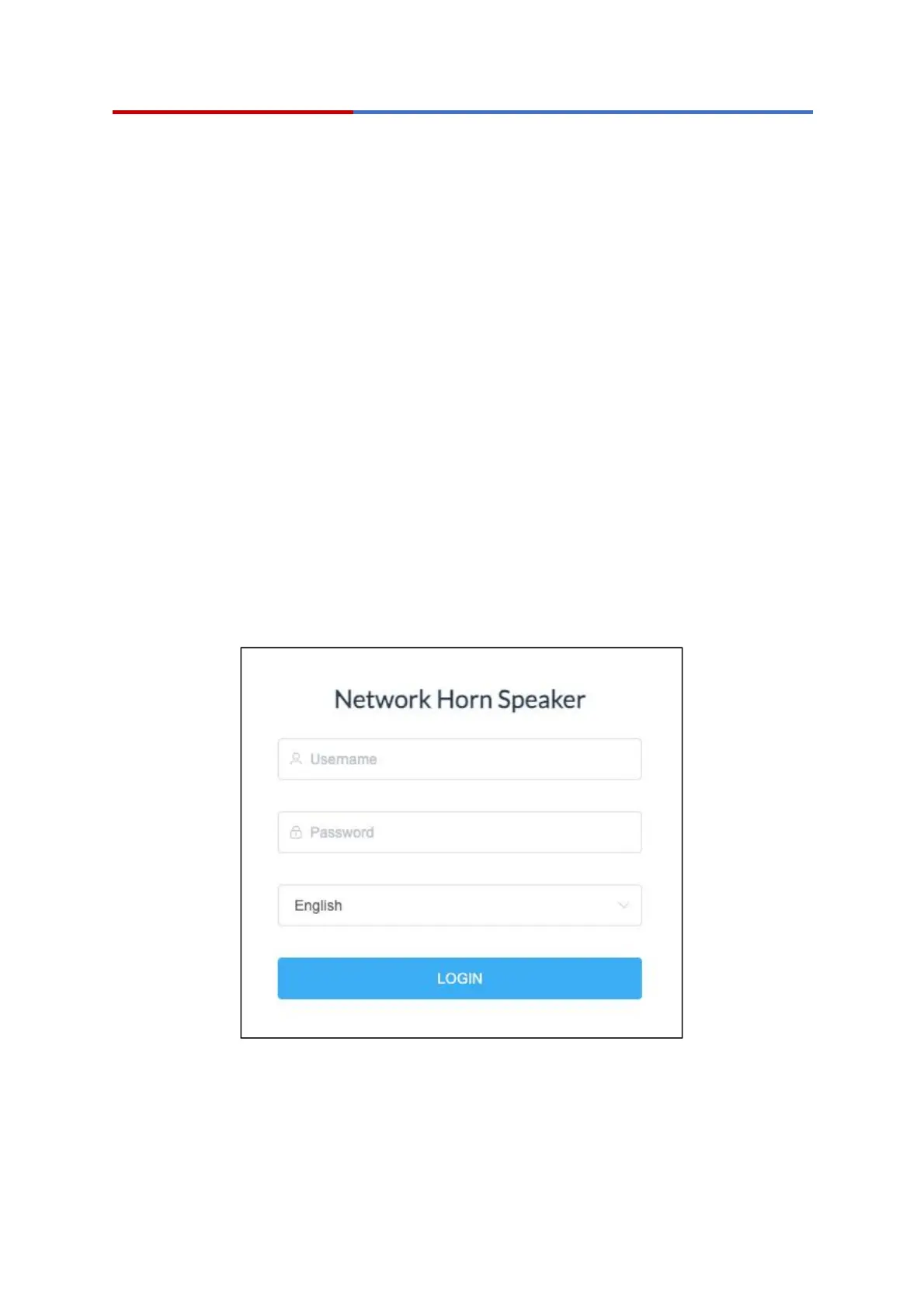
Login Interface
After entering the correct username and password, you can log in to the device's web
management interface.



 To Next Page