21
8
Kit-Drum (per channel)
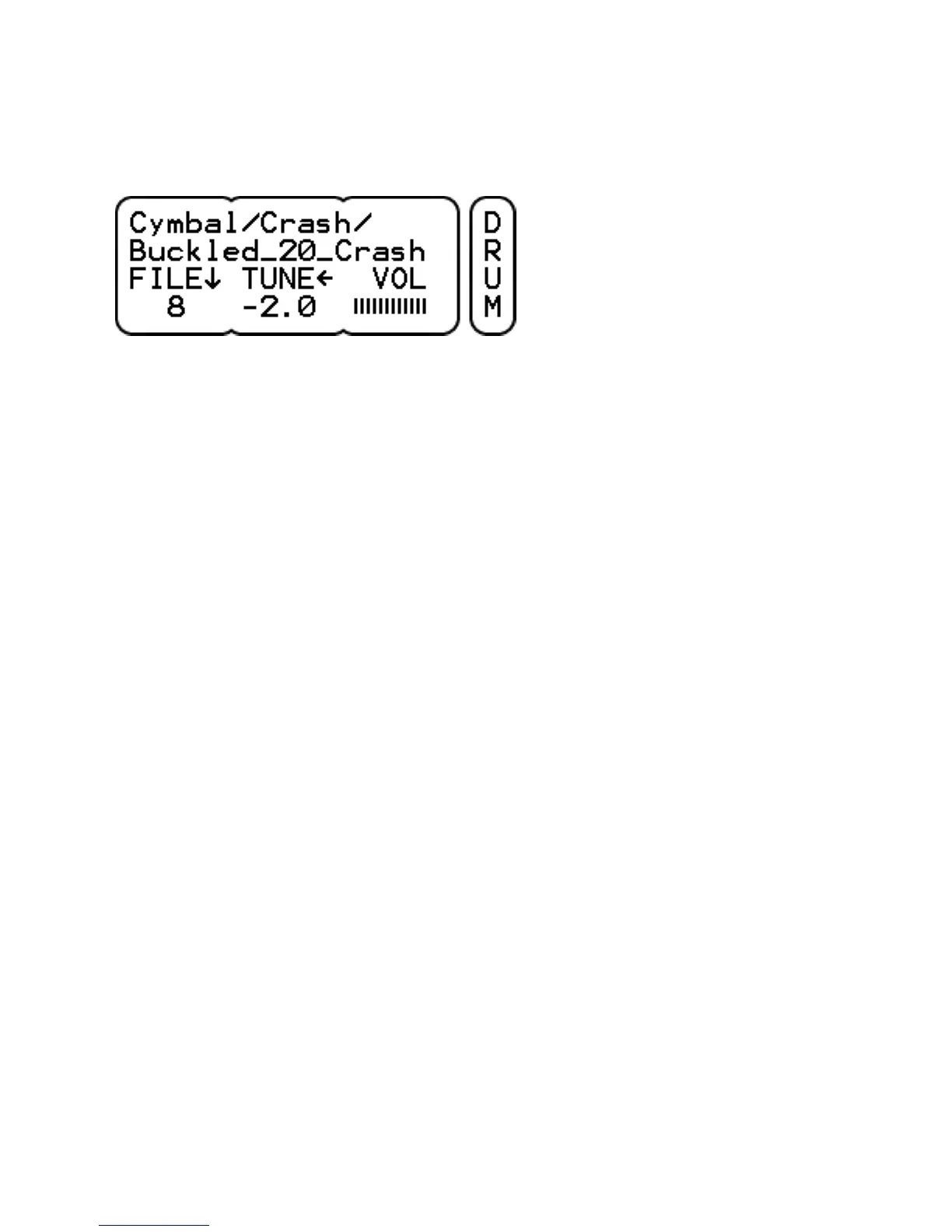
FILE / FOLD selects the drum sound to be triggered on this
channel. The folder name is shown on the 1st line and the file name
on the 2nd line. Click to change between file or folder browsing. The
parameter value shows the ordinal number of each. If the referenced
sound file doesn't exist, there will be no folder name and there will
be a ? mark instead of a number.
TUNE adjusts the pitch of the sound. The lowest pitch is -12 half
notes (one octave down), the highest pitch is dependent on the
sound encoding, upto 4 half notes is common. Click to switch
between tuning in 100 cent (half note) or 10 cent steps.
VOL sets the drum volume. This volume is duplicated on the KIT-
VOL page. Note that the volume in the mix is affected by the drum
mix volume as well (UNIT-MIX page).
The parameter buttons can trigger upto 3 different types of sound
from the selected drum. For example when a snare or tom is loaded
one can trigger the head and rim sounds, for a cymbal the cup, bow
and edge sounds.



 To Next Page