22
8
Kit-Envelope (per channel)
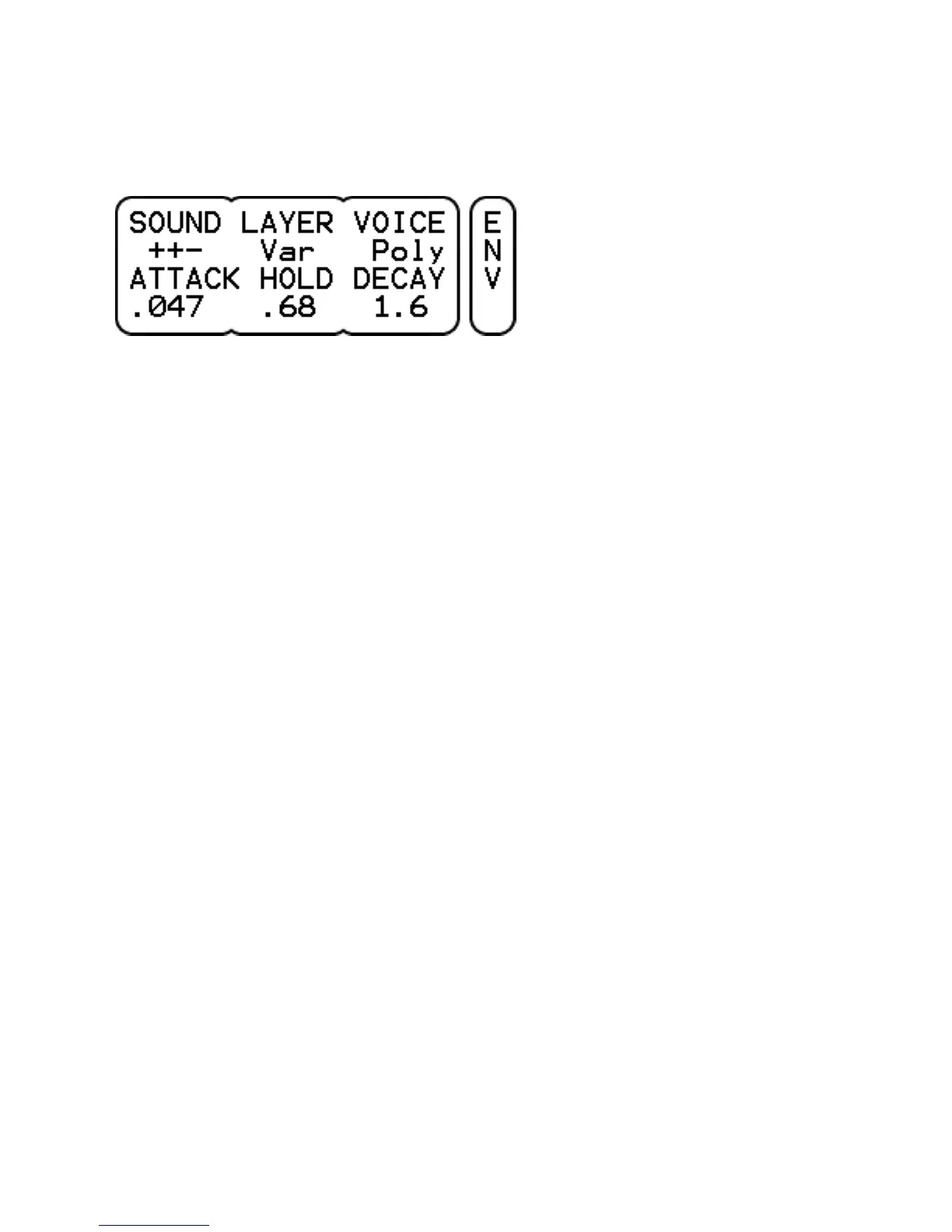
SOUND selects between different types of sound within a drum file.
After selecting a new file (KIT-DRUM-FILE) all sound types are active
with a default zone mapping. Selecting another combination will
divide the sound types evenly over all zones. It allows for example
to assign any of the bell, ride or crash sounds of a cymbal to the rim
of a pad.
In case the drum file is a loop, one can use the SOUND parameter to
select Loop (continuous with start / stop) or Solo (one-shot with
retrigger). The ! indicates a fixed volume independent of the trigger
level. The trigger threshold is raised to -24 dB to prevent accidental
triggering. Also, the LAYER and VOICE parameters will be set to Fix
and Mono.
LAYER has 3 settings.
- Variable, a certain trigger level will start a semi-random layer as
long as it is close to the trigger level.
- Fixed, a certain trigger level will always start the same layer which
best matches the trigger level.
- Top, any trigger level will start the top most layer.
In all 3 cases, the layer level will be as the trigger level.
VOICE can be Poly or Mono. In the latter case, only one voice will
play the drum sound and the trigger threshold is raised to -36 dB to
prevent accidental triggering. This is specifically useful for synthetic
kind of drum sounds.
ATTACK sets the attack time (default 0 sec).
HOLD sets the hold time (default 0 sec).
DECAY sets the decay time (default infinite).
With the hold and decay parameters one can create gated sounds.
Set HOLD to the desired length and DECAY quite short.



 To Next Page