25
8
Kit-Effect (echo)
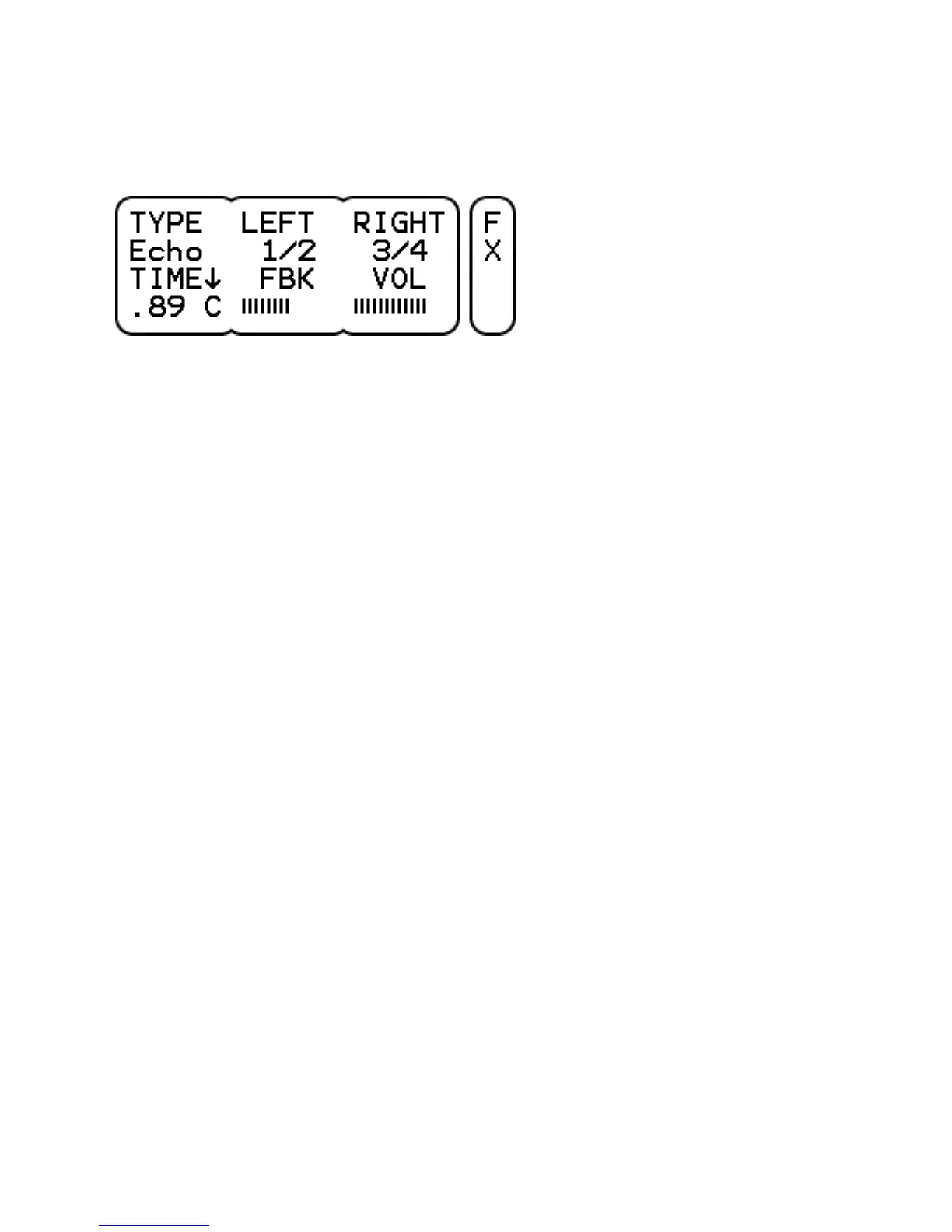
TYPE selects the effect type.
LEFT sets the left delay time as a fraction of the total delay time.
RIGHT sets the right delay time as a fraction of the total delay time.
TIME sets the total delay time upto 1 sec. The Syn setting
synchronizes the delay time with the tempo of the metronome. Click
to select Center, Left or Right for the delay output.
FBK (feedback) sets the volume of the delay output going back to
the delay input.
VOL sets the effect volume. Note that the volume in the mix is
affected by the effect mix volume as well (UNIT-MIX page).
Note that when LEFT and RIGHT have equal settings, the resulting
sound appears in the center.



 To Next Page