24
8
Kit-Equaliser
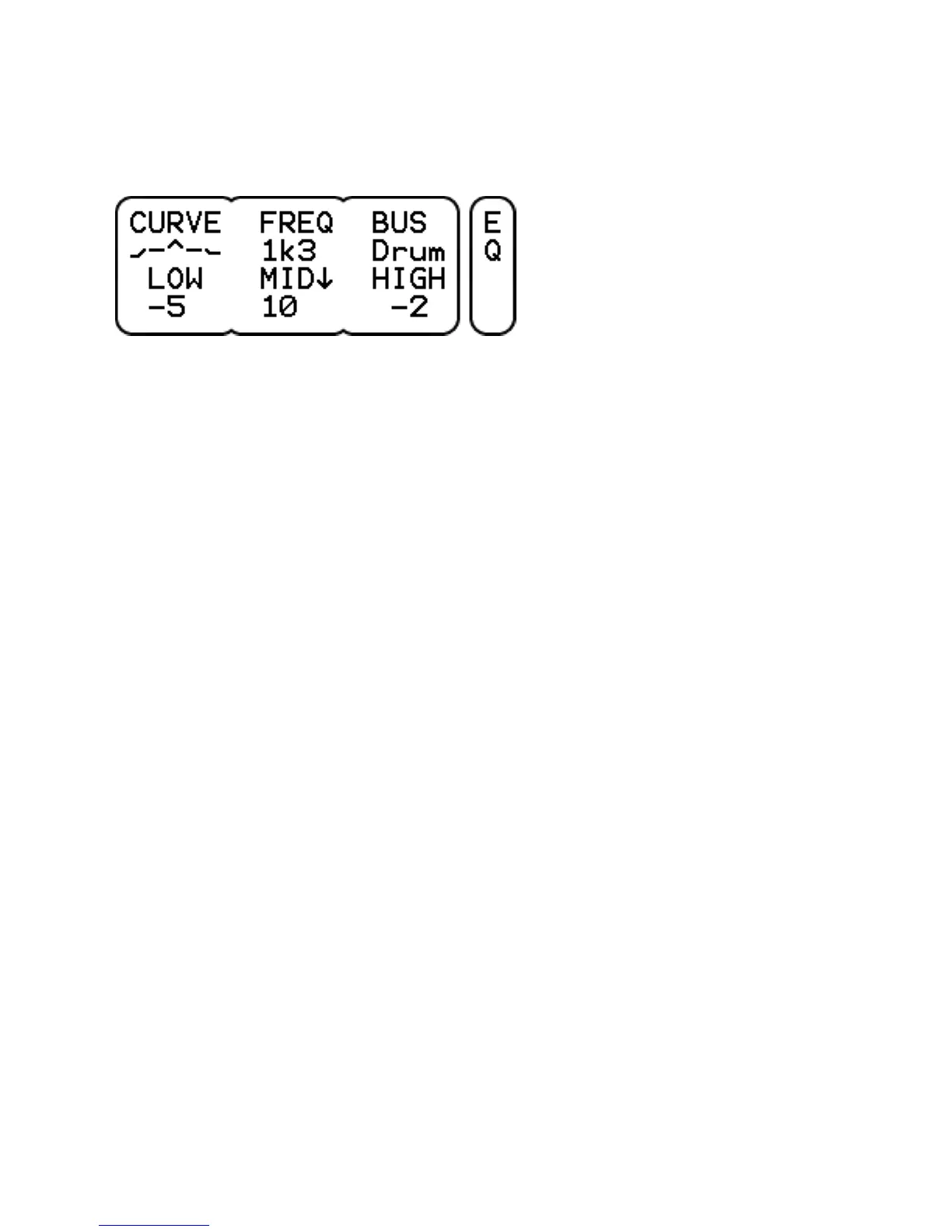
CURVE shows the frequency response of the equaliser. Press to
reset the eq to a flat curve, press again to restore the previous
settings (convenient for comparing sounds with and without eq).
FREQ sets the mid band frequency from 125 Hz to 8 kHz in 1 octave
steps or for more precise control, click the MID dial and turn to
sweep the frequency from 100 Hz to 10 kHz in 1/3 octave steps.
BUS selects the bus on which the equaliser is active, either the Mix,
Sub or Drum bus. The last one is a combination of all 15 drum
channels, use the KIT-VOL-EQ parameter to select which channels
pass the eq.
LOW band (at 80 Hz) is +-12 dB shelving or low-cut.
MID band (between 100 Hz and 10 kHz) is +-12 dB peak or dip.
Click and turn to set the center frequency.
HIGH band (at 12 kHz) is +-12 dB shelving or high-cut.



 To Next Page