28
8
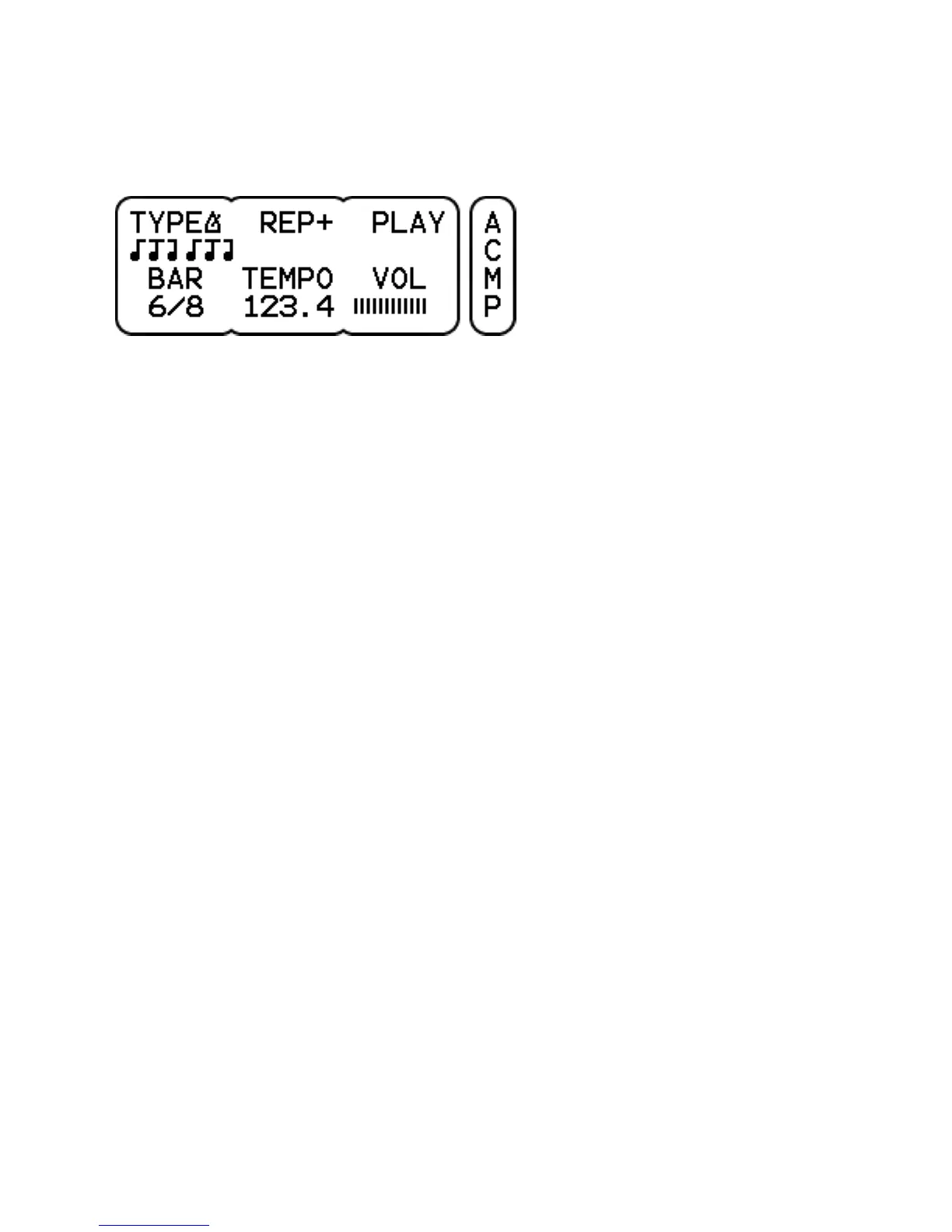
Kit-Accompaniment (metronome)
TYPE selects between a wave file or a metronome. The metronome
sound is common for all kits and can be selected on the UNIT-METR
page.
REP sets the repeat count. Either + (continuously), 1 or 2 bars.
PLAY / STOP starts or stops the metronome.
BAR sets the time signature. Bars from 1/4 to 7/4 and 3/8 to 12/8
can be chosen. The odd bars 5/8 and 7/8 have several formats. The
1/4 bar is convenient when a single accent is sufficient.
TEMPO sets the beats per minute value. Click to select between
changing the value in units or tenths. The arrow indicates which part
is being changed, after a second it changes back to a period.
VOL sets the volume. Note that the volume in the mix is affected by
the accompaniment mix volume as well (UNIT-MIX page).



 To Next Page