2 EASY
-18-
DR MODULE
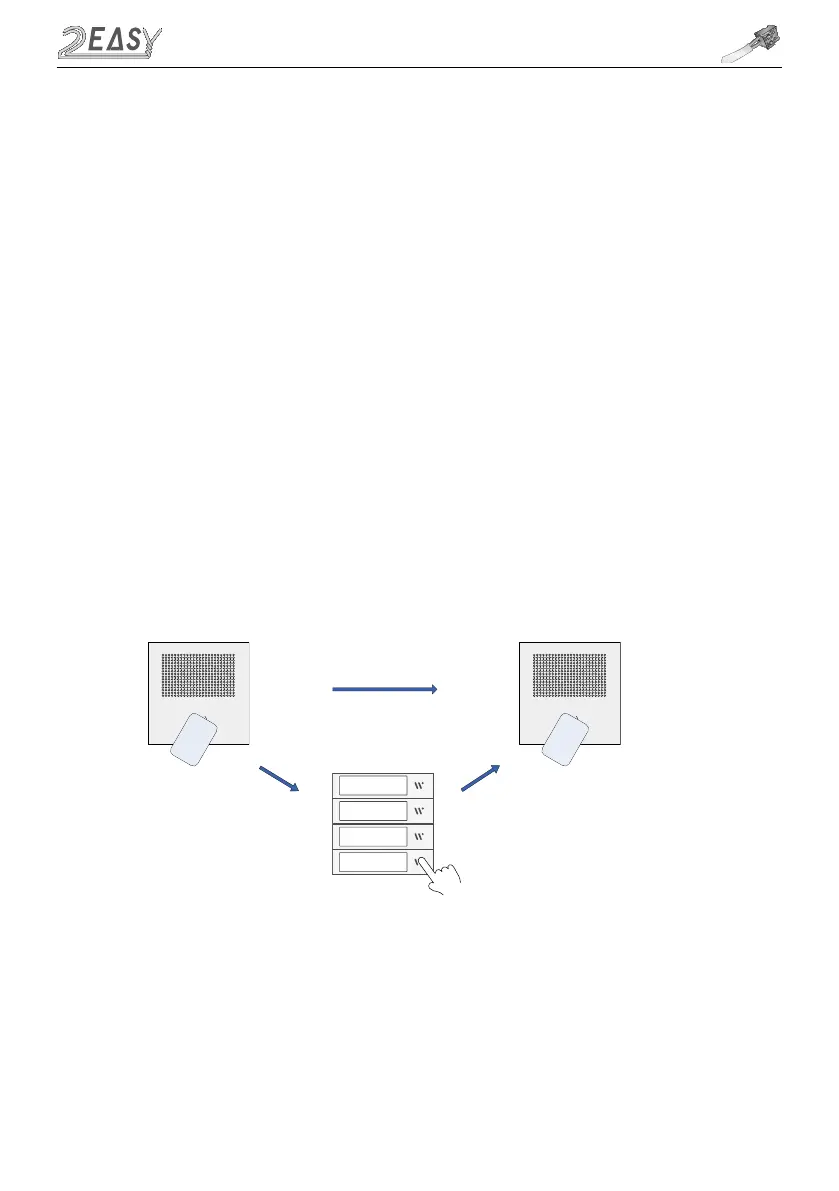
a. Show the Master ADD card to the Proximity Reader, double beep will sound
b. On Direct Call Button Module, press the Flat button which ID card needs to
be associated with (skip if there is no Direct Call Button module)
c.Show all blank ID cards, one by one
d.Repeat steps b and c for each button
e.Finish with Master Add card
For door stations without Direct Call Buttons
a. Show the Master Add card to the Proximity Reader, double beep will sound
b. Show all blank ID cards/keyfobs, one by one
c. Finish with Master Add card
i) Add User Cards/Keyfobs
ADD
Ma
st
er
C
a
r
d
Users
C
a
r
d



 To Next Page